What is the Best Printing Size for a QR Code?
Most QR codes fail for one boring reason: size. This practical guide shows exactly how big a QR code should be for menus, posters, packaging, and signs so it scans fast, every time.
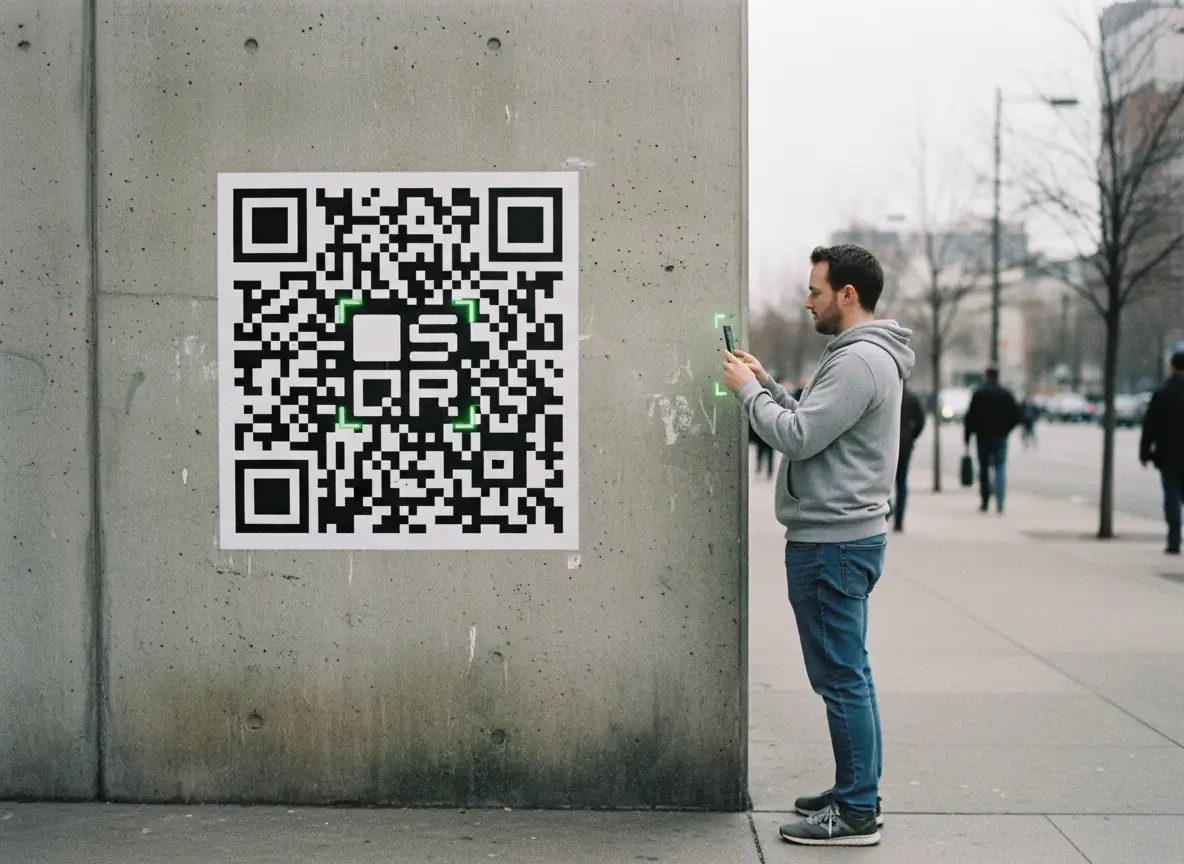
QR codes look simple.
Just a square. Black and white. Hard to mess up.
And yet, most QR codes fail for one boring reason: they’re printed at the wrong size.
Too small, and phones struggle.
Too dense, and scanners hesitate.
Too far away, and nobody even tries.
This guide explains exactly how big a QR code should be, depending on where and how you use it. No jargon. No theory dumps. Just practical rules you can trust.
If you print QR codes for menus, signs, packaging, posters, or anything public, this matters.
Why QR Code Size Actually Matters
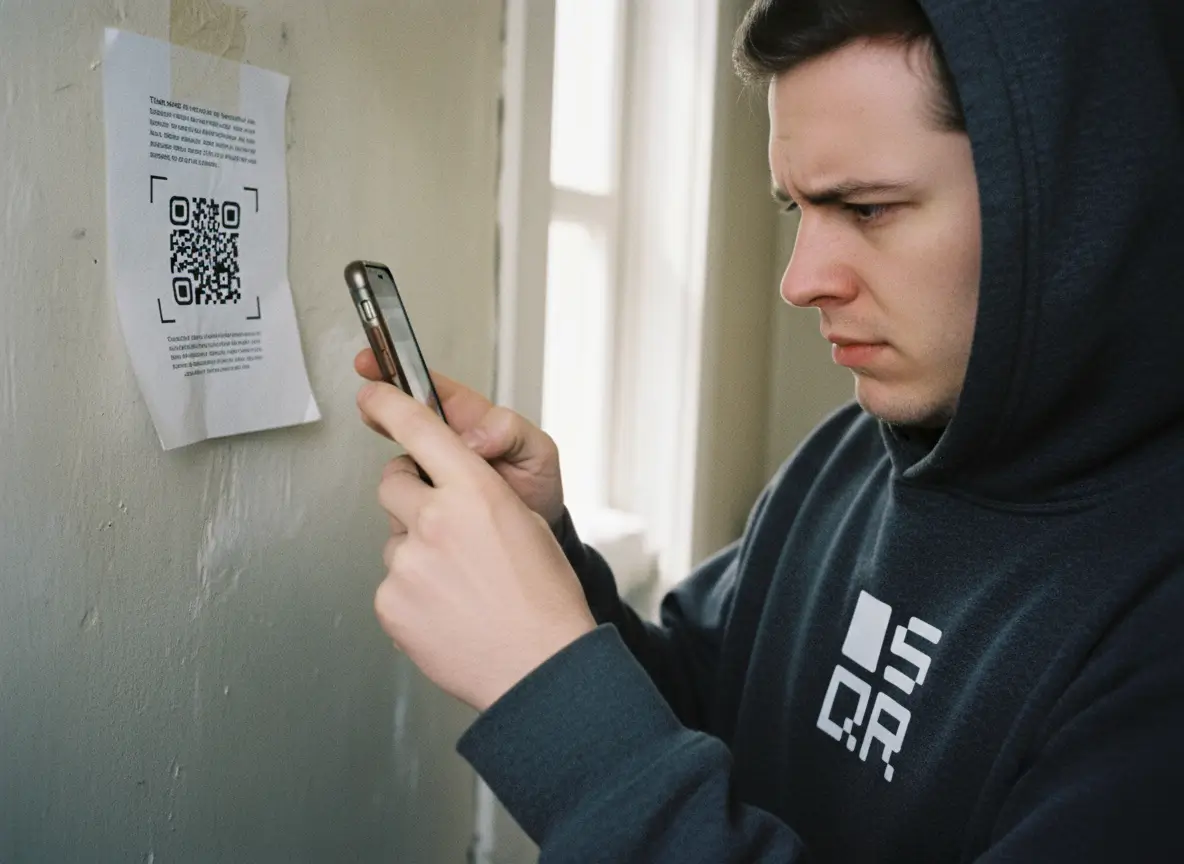
A QR code only works if three things happen:
- Someone notices it
- Someone scans it
- The scan works instantly
Size affects all three.
A QR code that’s too small feels broken.
A QR code that’s too big feels awkward or desperate.
A QR code that barely scans kills trust fast.
People don’t retry broken QR codes. They move on.
So size isn’t cosmetic. It’s functional.
The invisible problem
Most QR codes are tested on a laptop screen, from 20 cm away, by the person who made them.
That test means nothing.
Real scans happen:
- In bad lighting
- On older phones
- At angles
- While people are walking
- From further away than you expect
That’s why printing size needs margin. Not perfection.
The Absolute Minimum QR Code Size
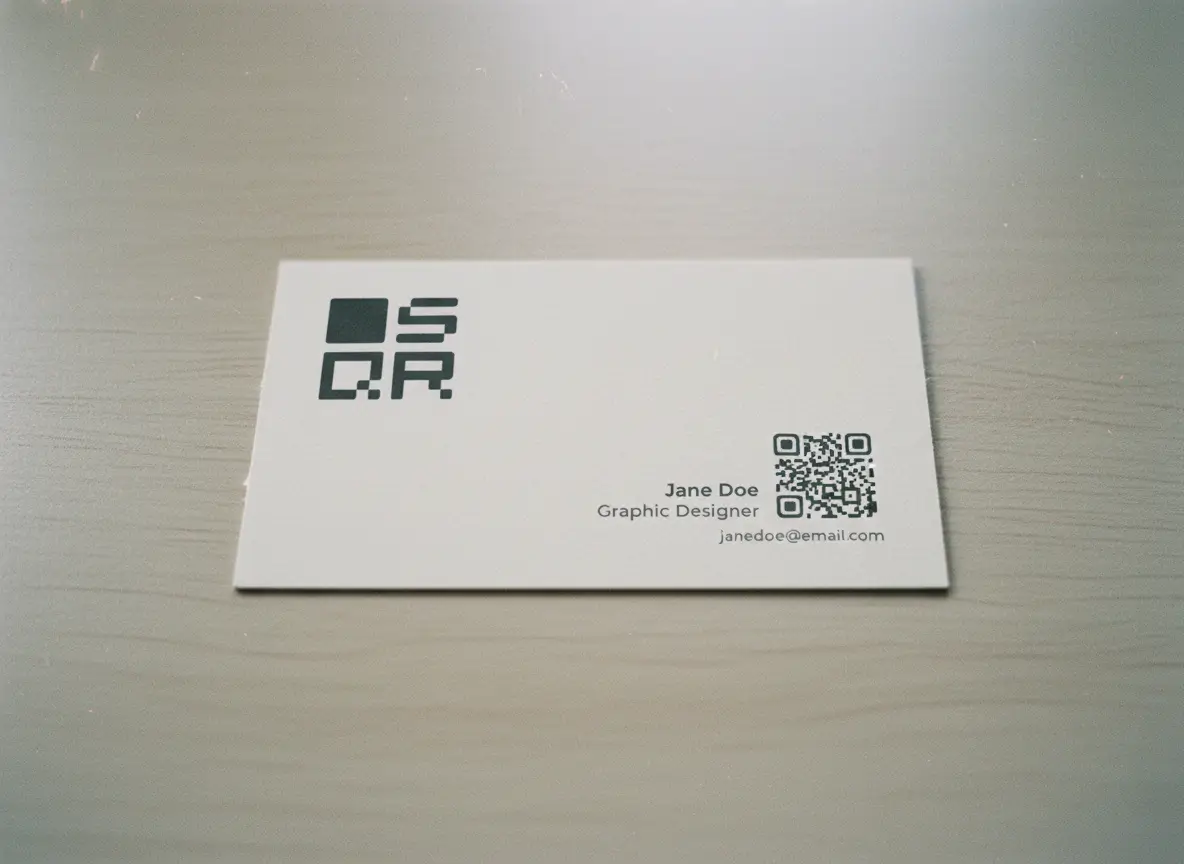
Let’s start with the baseline.
Minimum printable QR code size:
2 × 2 cm (0.8 × 0.8 inches)
That’s the smallest size that works reliably for:
- Short URLs
- Low data QR codes
- Close-range scanning
Anything smaller becomes fragile.
Yes, some phones can scan smaller codes.
No, you should not rely on that.
When 2 × 2 cm is acceptable
Use this size only if:
- The QR code is scanned from arm’s length
- It contains minimal data
- It’s printed clearly at high quality
- It’s not mission-critical
Good examples:
- Business cards
- Product labels
- Small packaging
- Flyers handed directly to someone
Bad examples:
- Posters
- Windows
- Menus
- Signs
- Anything public
This is the floor, not the goal.
The Most Important Rule: Distance × Size
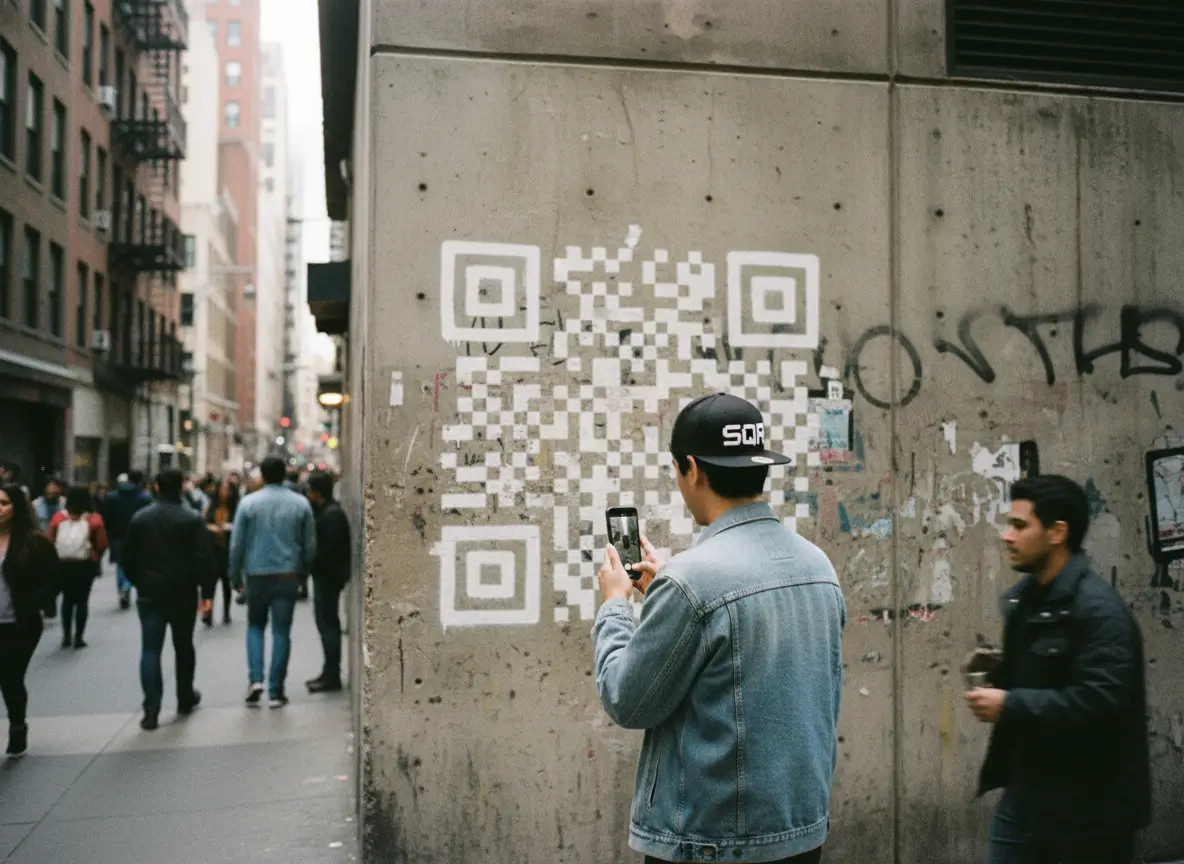
Here’s the rule most people don’t know.
QR code size should scale with scanning distance.
A simple guideline that works in real life:
For every 1 meter of scanning distance, add 10 cm to the QR code size
Examples
- Scanned from 0.5 m → ~5 cm QR code
- Scanned from 1 m → ~10 cm QR code
- Scanned from 2 m → ~20 cm QR code
- Scanned from 5 m → ~50 cm QR code
This isn’t theory. It’s what works.
People underestimate distance all the time. If someone can scan it while standing back casually, you sized it right.
If they need to step closer, lean in, or retry, it’s too small.
QR Code Size by Use Case (Practical Table in Words)
Let’s make this concrete.
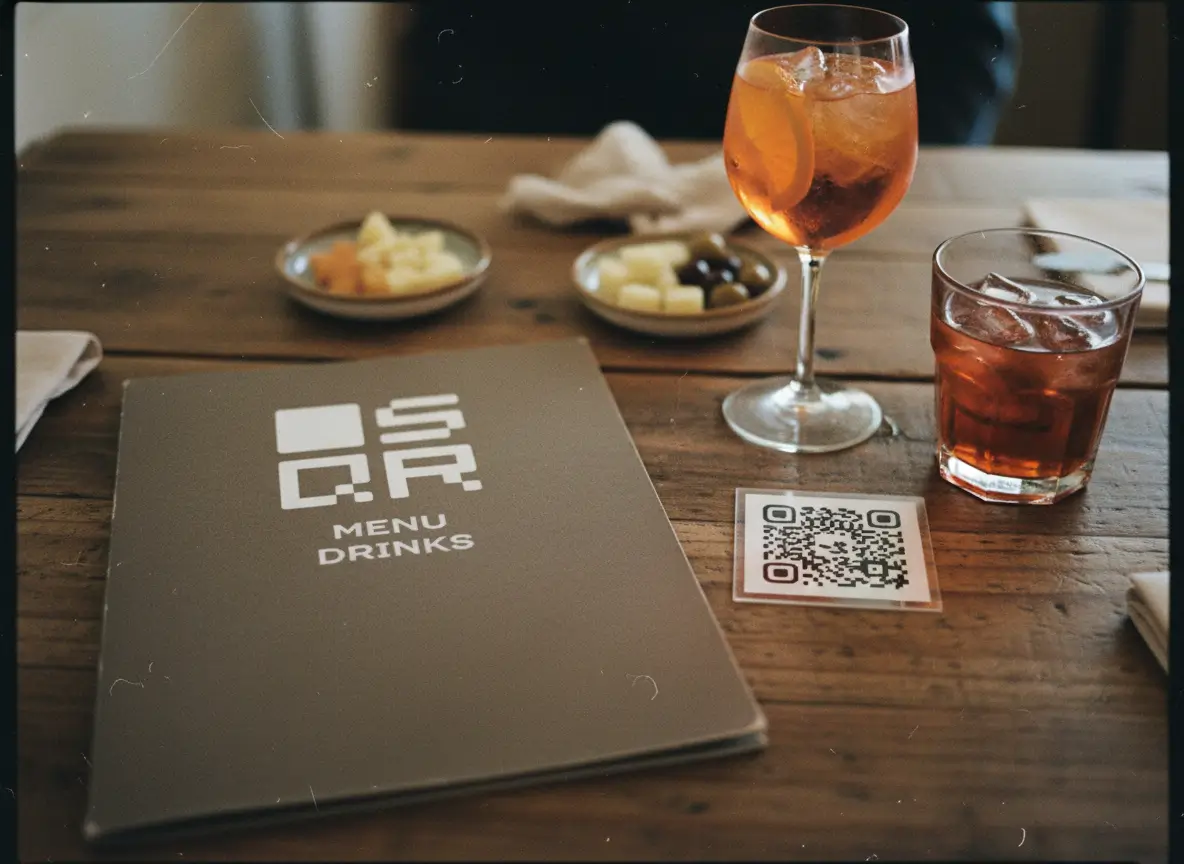
Business cards
- Size: 2–3 cm
- Distance: Handheld
- Tip: Keep data minimal
Menus (tabletop)
- Size: 3–5 cm
- Distance: Sitting distance
- Tip: Avoid dense designs
Posters
- Size: 8–15 cm
- Distance: Standing
- Tip: Bigger than you think
Shop windows
- Size: 10–20 cm
- Distance: Sidewalk
- Tip: Test from outside
Event signage
- Size: 20–50 cm
- Distance: Crowd scanning
- Tip: One QR per surface
Packaging
- Size: 2–4 cm
- Distance: Handheld
- Tip: High contrast matters
If you’re unsure, go bigger. Oversized QR codes still scan. Undersized ones don’t.
Data Density Changes Everything
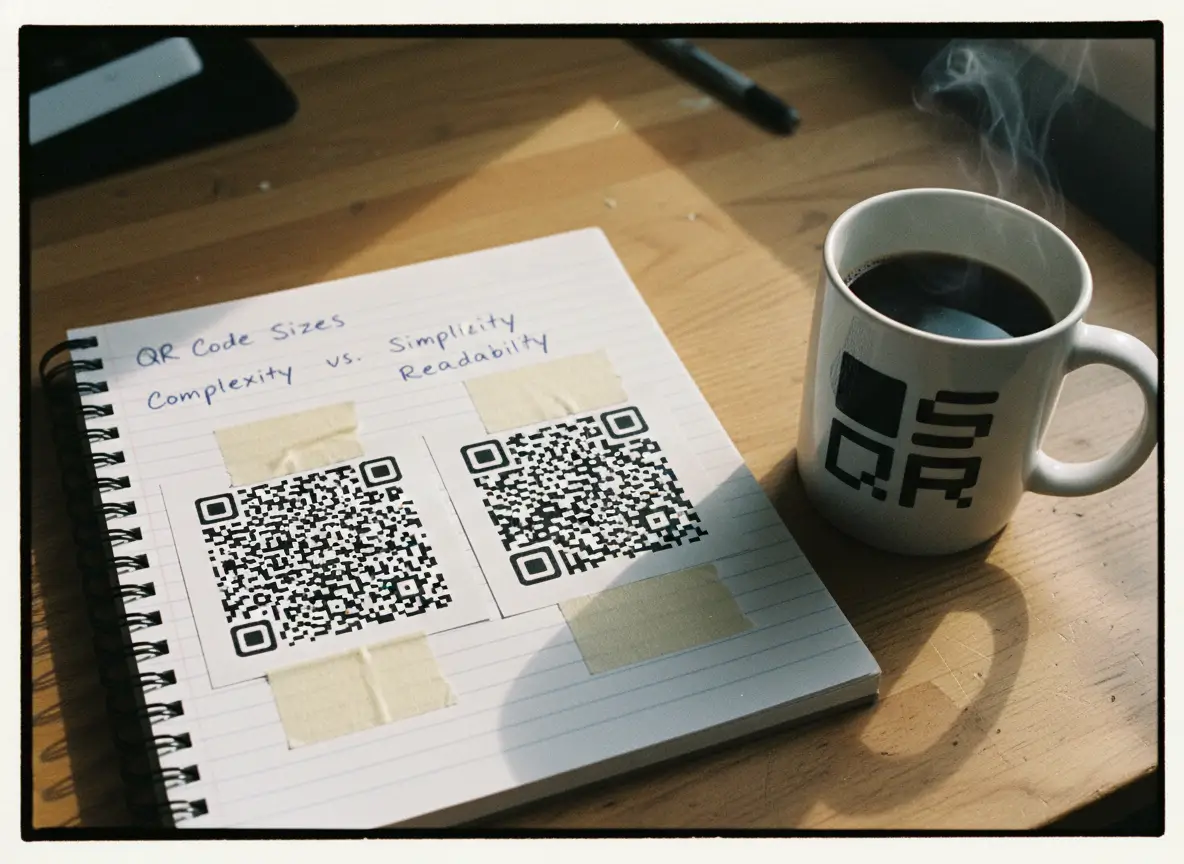
QR codes don’t store links. They store data.
More data = more squares
More squares = denser code
Denser code = harder to scan
This is why static QR codes fail more often.
What increases data density
- Long URLs
- Tracking parameters
- Embedded text
- Contact cards
- Wi-Fi credentials
A dense QR code needs to be printed larger to stay readable.
The simple fix
Use short links or dynamic QR codes.
They keep the visual pattern clean while handling complexity behind the scenes.
That’s not a design preference. It’s physics.
Error Correction and Why It Affects Size
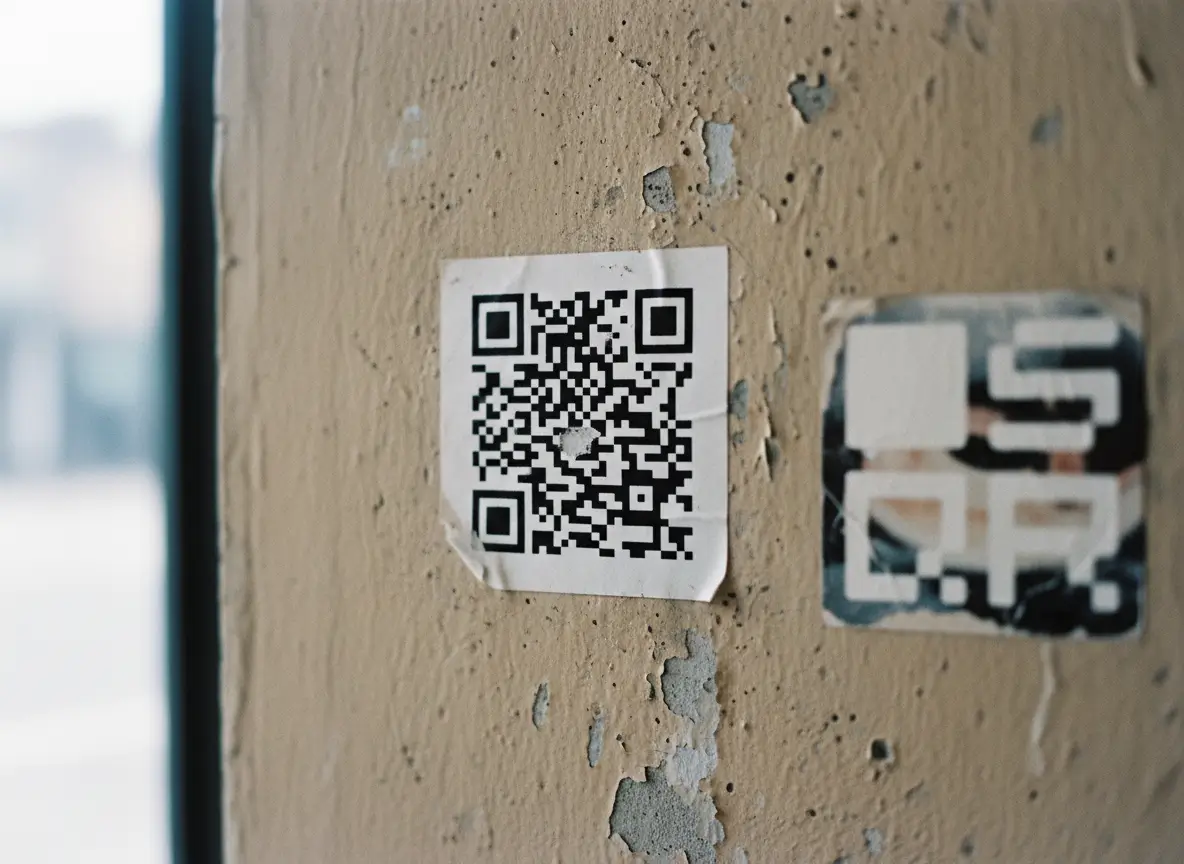
QR codes include built-in error correction. This allows them to scan even if part of the code is damaged.
There are four levels:
- Low
- Medium
- Quartile
- High
Higher correction:
- Adds redundancy
- Increases density
- Requires larger size
When high error correction makes sense
- Outdoor prints
- Stickers
- Industrial environments
- Rough surfaces
When it doesn’t
- Clean indoor prints
- Menus
- Paper flyers
Don’t max this out by default. Use what fits the environment.
More error correction is not free. It costs space.
Print Quality Matters as Much as Size
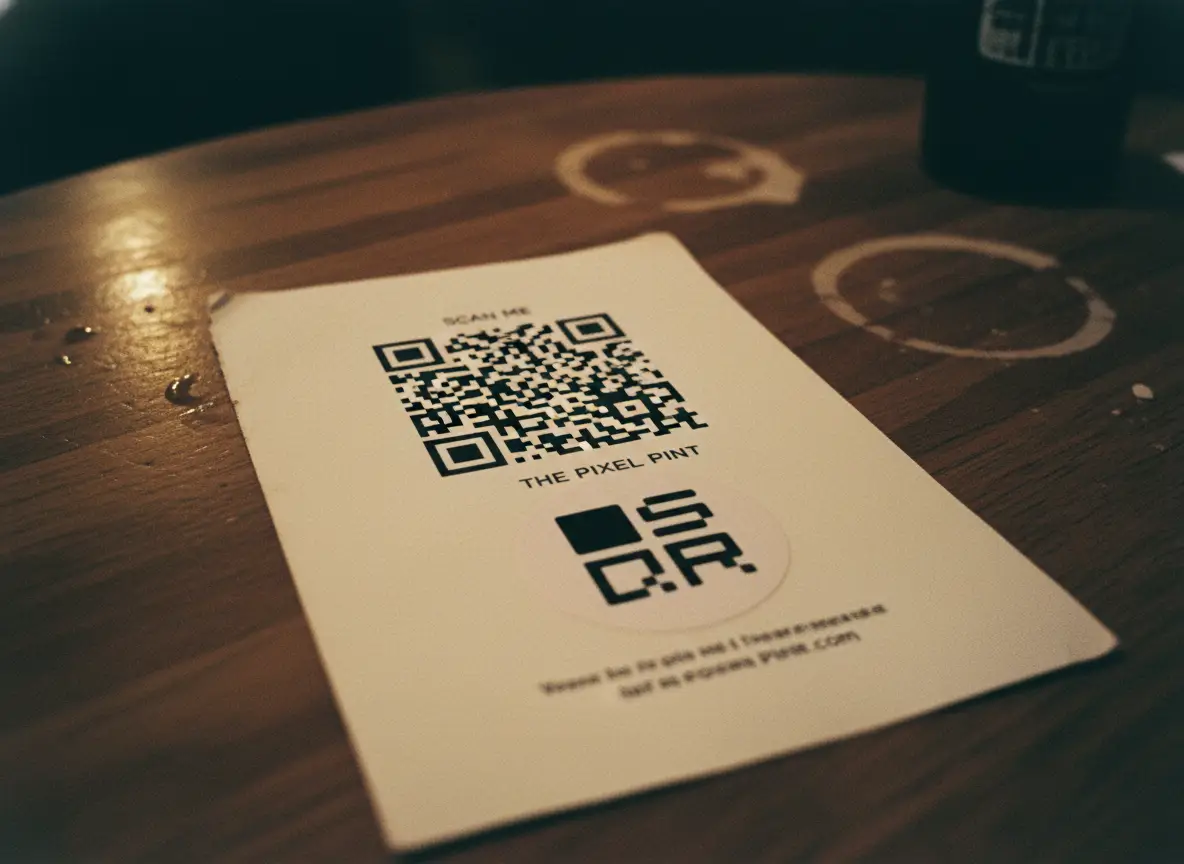
A perfectly sized QR code can still fail if the print quality is bad.
Things that hurt scanning:
- Ink bleed
- Low contrast
- Cheap paper
- Gloss glare
- Textured surfaces
Best practices
- Use 300 DPI minimum
- Keep strong contrast (dark code, light background)
- Avoid busy backgrounds
- Don’t invert colors unless tested
A QR code should feel boring. Boring scans better.
Quiet Zone: The Space Everyone Forgets
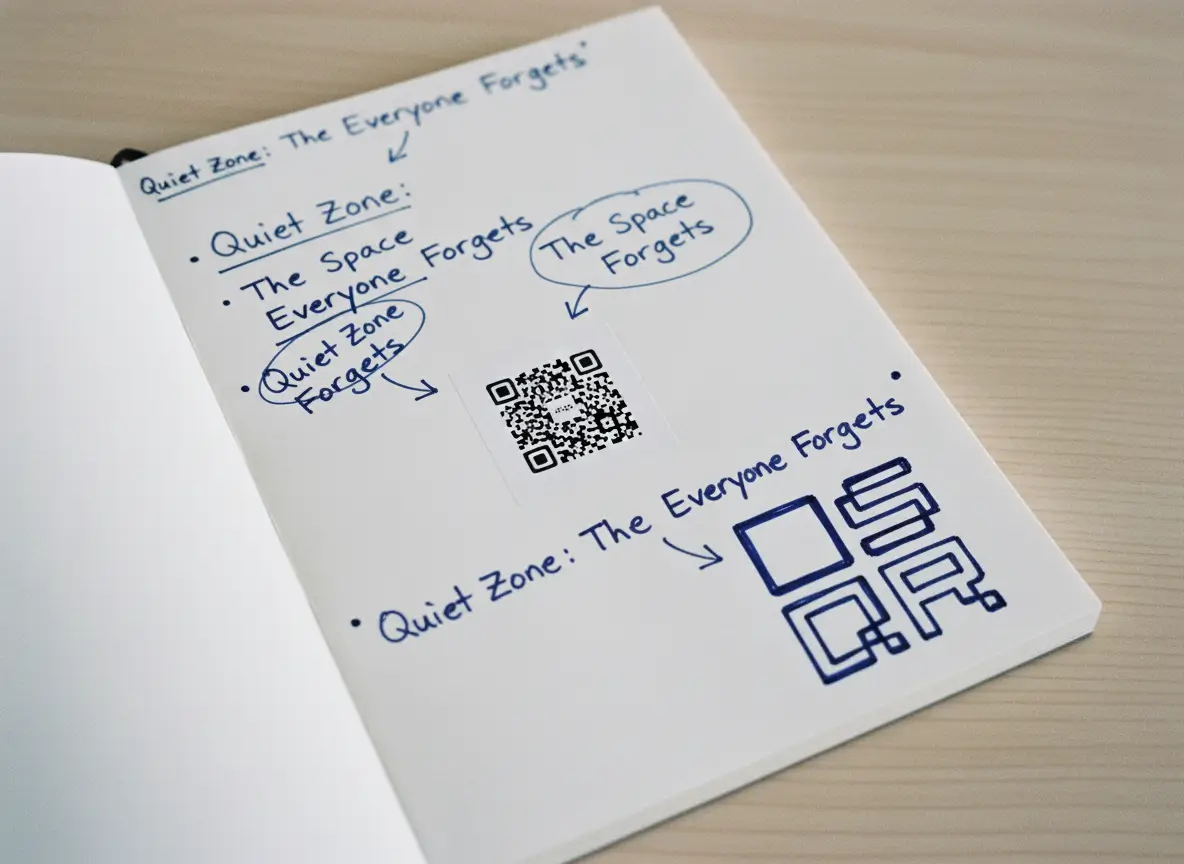
Every QR code needs breathing room.
This empty margin is called the quiet zone.
No text.
No lines.
No decoration.
Minimum rule:
- Quiet zone = 4 modules (the small squares) on each side
If you crowd the QR code, scanners struggle to detect its edges.
This is one of the most common real-world failures.
Logos, Styling, and Brand QR Codes
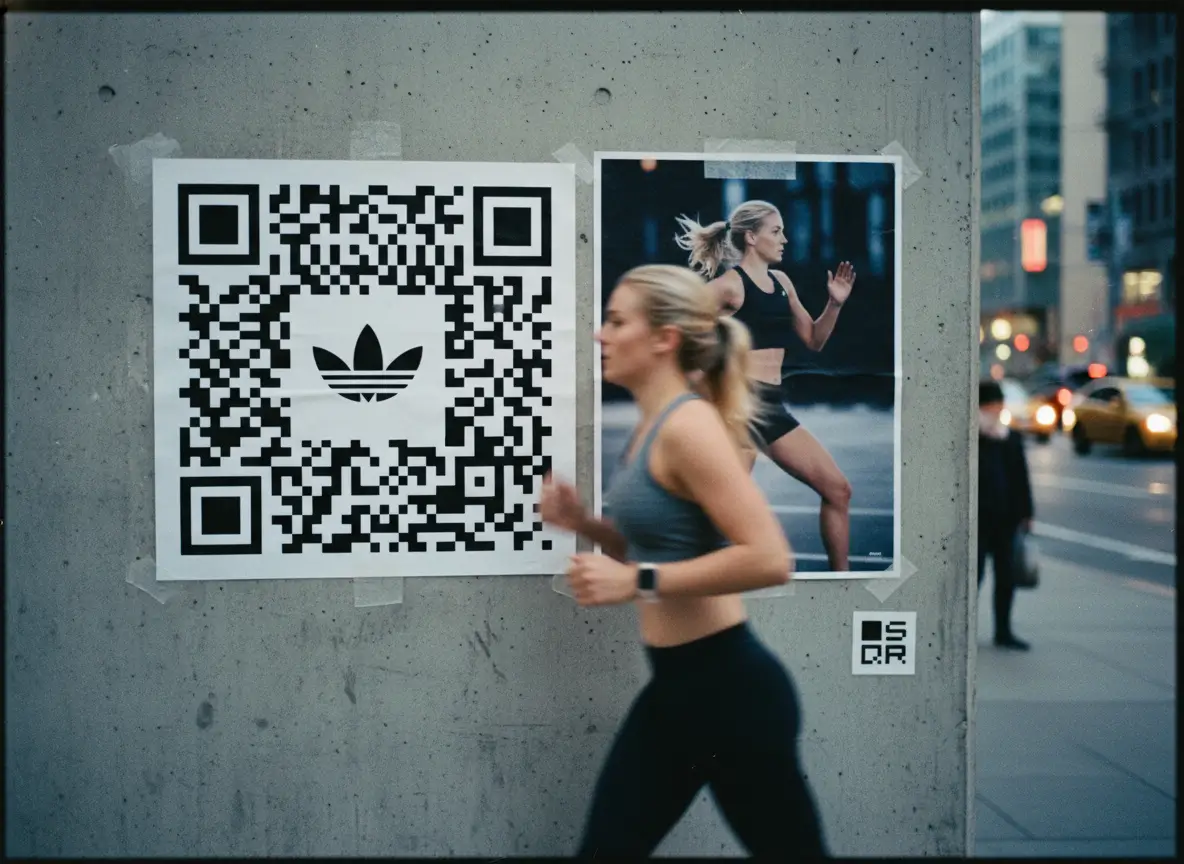
Branded QR codes can work. Poorly branded ones don’t.
If you add:
- Logos
- Colors
- Rounded shapes
You increase risk.
Safe rules
- Keep logo under 20% of the code area
- Increase overall size
- Use higher contrast than you think you need
- Test on multiple phones
Style is fine. Broken scans are not.
Always Test in Real Conditions
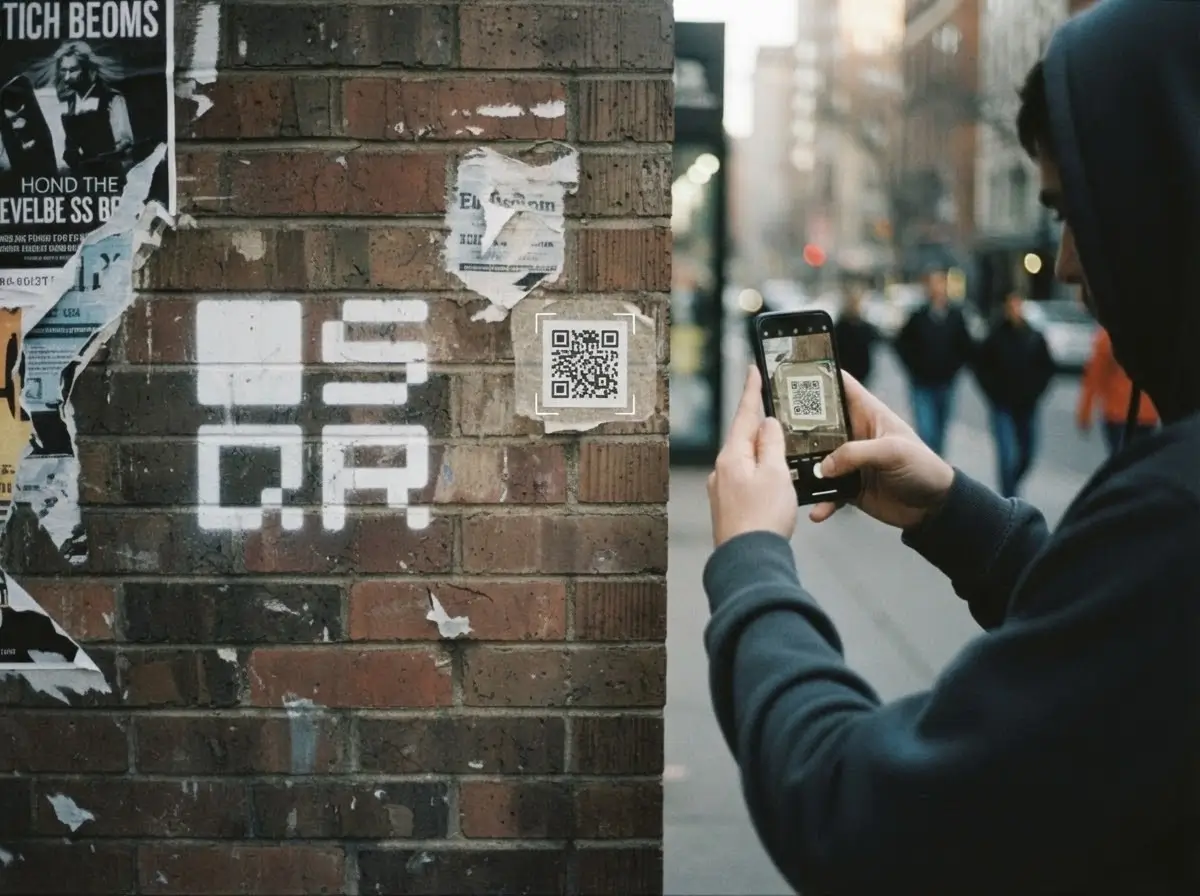
This is non-negotiable.
Before printing in bulk:
- Print one
- Tape it where it will live
- Scan it from real distance
- Try bad light
- Try older phones
If it scans instantly, you’re done.
If it hesitates, fix it now. Not later.
Common QR Code Size Mistakes
These show up everywhere:
- Making the QR code tiny to “look clean”
- Packing too much data inside
- Ignoring scan distance
- Forgetting the quiet zone
- Designing for aesthetics, not physics
QR codes are tools. Not decoration.
When in doubt, prioritize function. Always.
Final Rule of Thumb
If you remember nothing else, remember this:
- 2 × 2 cm is the minimum, not the target
- Distance dictates size
- Less data scans better
- Test before printing
A QR code that scans instantly feels magical.
One that doesn’t feels broken.
The difference is almost always size.
That’s it.