QR code to add contact to phone automatically
A contact QR code lets people save your details straight to their phone in seconds. Here’s how it works, when to use it, and how to set one up properly.
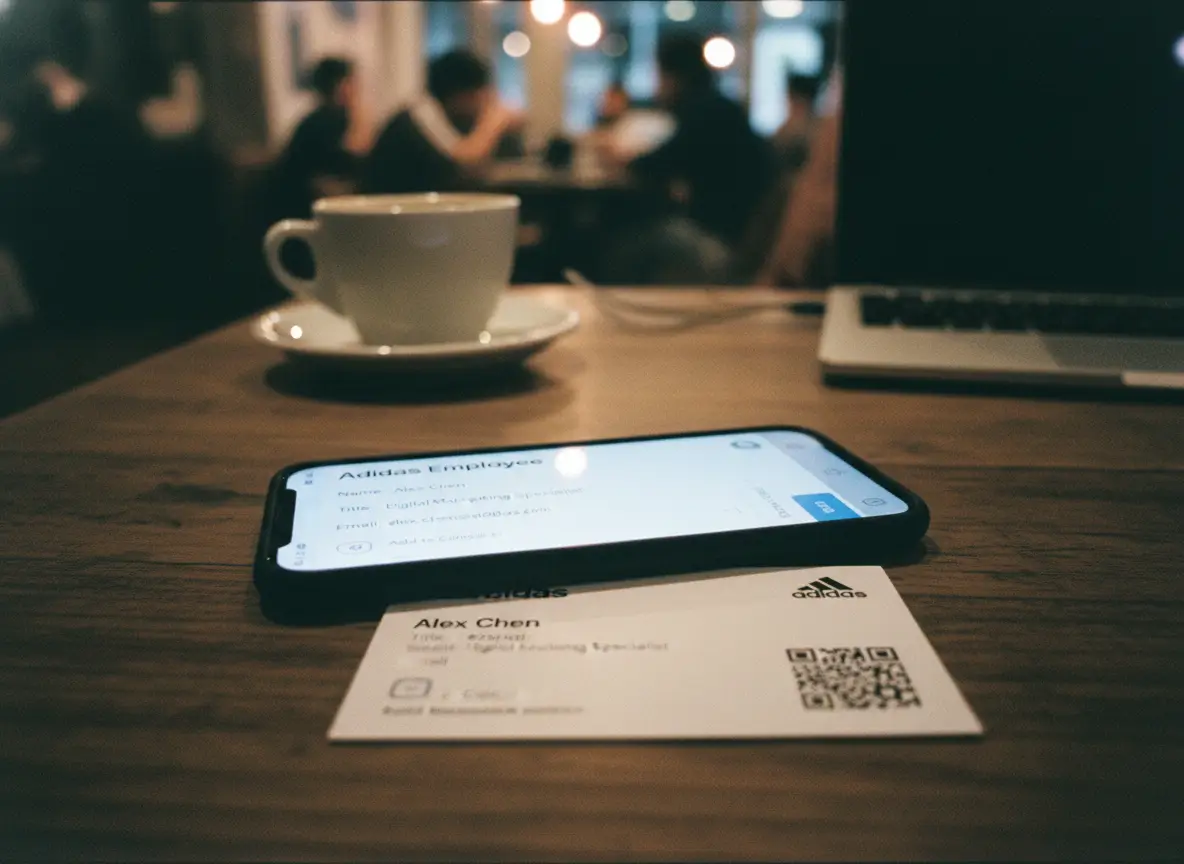
What a Contact QR Code Actually Does
A contact QR code does one simple thing very well. It lets someone save your contact details to their phone instantly. No typing. No copying. No extra steps.
When a person scans a contact QR code with their phone camera, the phone recognizes the data inside the code. That data is a digital contact card. Name. Phone number. Email. Company. Whatever you included. The phone then shows a native prompt like “Add to Contacts.” One tap, and the contact is saved.
That’s it.
There’s no app to install. No account needed. No weird redirect pages. Modern smartphones already know how to handle this. iPhone and Android both support it out of the box.
This is important, because it changes how you should think about the QR code.
The QR code itself is not a link to a website. It’s not a file download. It’s not a marketing trick. It’s simply a shortcut to a contact entry. A faster way to do something people already do, but usually hate doing.
Think about the normal alternative.
Someone meets you. You hand over a business card. They look at it. Maybe they type your name. Maybe they save your number. More often, they put the card in their pocket and forget about it. Or they type it later and make a mistake. Or they don’t save it at all.
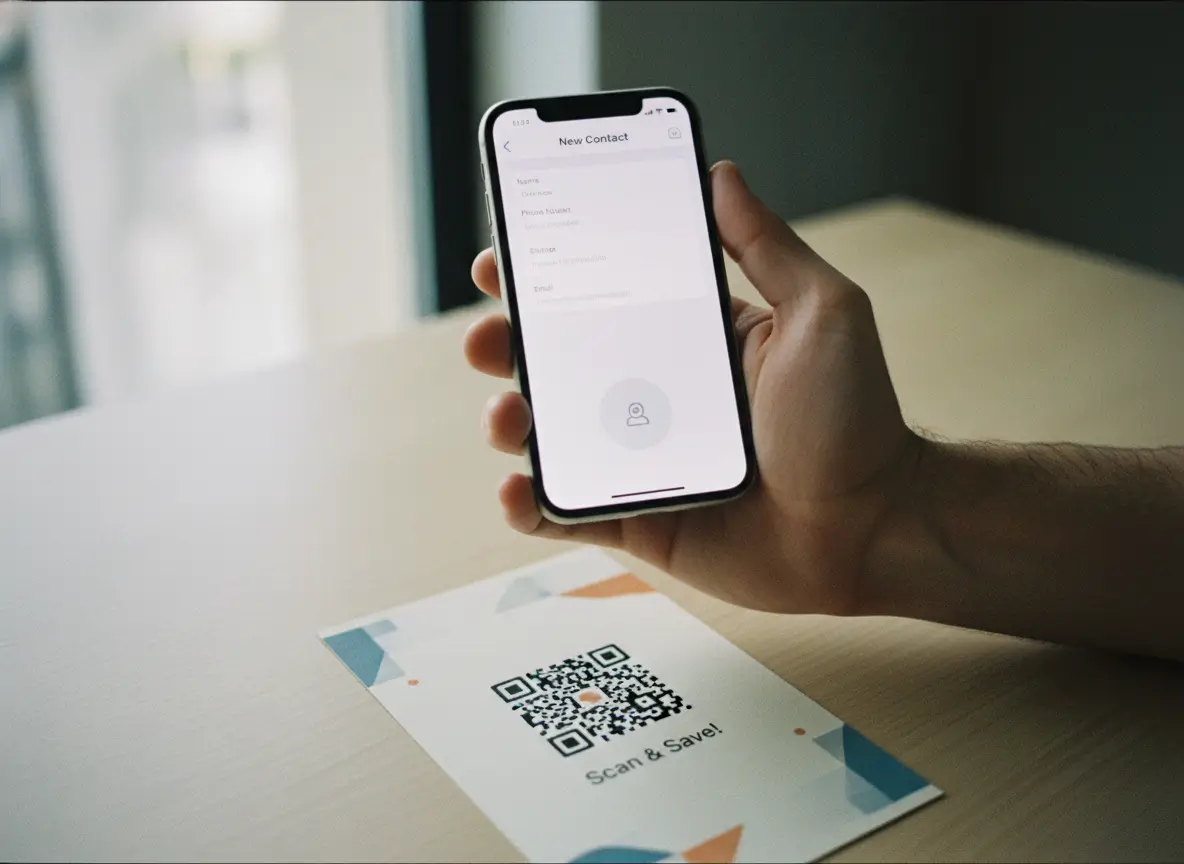
A contact QR code removes that entire moment of friction.
Scan. Save. Done.
From the phone’s point of view, nothing special is happening. It’s using the same contact system it always uses. That’s why it feels trustworthy and familiar. You’re not asking people to learn anything new. You’re just making the action faster.
Another key point: the user stays in control.
When someone scans a contact QR code, their phone does not automatically save anything. It always asks first. The user sees the details before saving. They decide. This matters for trust. It’s not intrusive. It doesn’t feel creepy. It feels normal.
This also means contact QR codes work well in real-life situations. Events. Cafés. Offices. Counters. Packages. Anywhere someone has their phone in hand and a few seconds of attention.
The mental model is simple:
A contact QR code is a digital version of handing someone your contact info, without the awkward pause.
Once you understand that, everything else falls into place.
Why people like it.
Where it works best.
Why it gets used instead of ignored.
And why, when done right, it quietly becomes one of the most practical uses of QR codes there is.
No hype. No tricks. Just a faster way to exchange contact details, built into the phones people already use.
Why This Is Better Than Typing Contact Details
Typing contact details is one of those small tasks everyone accepts, but nobody enjoys. It feels quick, yet it’s surprisingly easy to get wrong. A missed digit. A swapped letter. A name saved without context. Most of the time, it doesn’t even happen at all.
A contact QR code fixes that by removing the typing step entirely.
When someone scans a contact QR code, the phone does the work. Names, numbers, emails, and company details appear exactly as you intended. No guessing. No manual input. No corrections later. What gets saved is clean and complete.
Speed matters here more than people realize.
In real life, attention is short. At events, counters, cafés, or meetings, people don’t want to stop and carefully type details. They’re standing. Talking. Moving on to the next thing. If saving your contact takes more than a few seconds, it often gets postponed. And postponed usually means forgotten.
A scan fits the moment.
Phone out. Scan. Save. Back to the conversation.
That’s why contact QR codes work so well on business cards. The card becomes an instant action, not just a reminder. The same goes for badges, flyers, packaging, or signs on a counter. Anywhere someone can see the code and has their phone in hand, it makes sense.
There’s also a trust advantage.
When people type details themselves, they often simplify. They might save just a name. Or just a number. A contact QR code gives them the full picture every time. Name, role, company, and context stay together. That makes the contact more useful later, when they scroll through their list and try to remember who you were.
The result is fewer mistakes and more saved contacts that actually stick.
Not because it’s flashy, but because it respects how people behave in the real world. Short attention. Busy hands. A phone already in use.
That’s what makes it better than typing.
How to Create a Contact QR Code with SQR
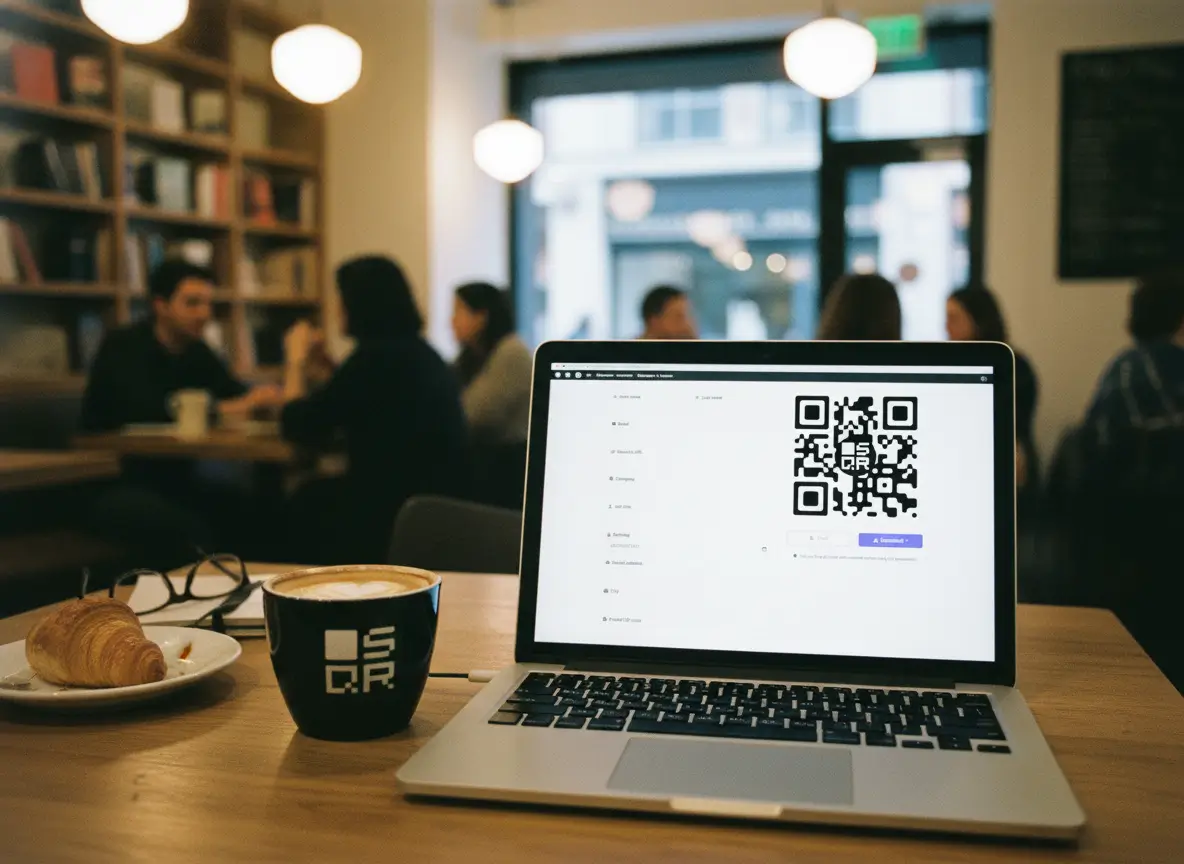
How Creating a Contact QR Code Actually Works
Creating a contact QR code is straightforward because it mirrors how phones already handle contacts. There’s no special behavior to learn, and nothing custom happens on the scanner’s side. The phone treats it like a normal contact file.
Here’s what that looks like in practice.
You start by going to:
https://sqr.co/qr/vcard
This page is built specifically for creating contact QR codes. What you see is a simple form. Name, email, phone number, company, job title, address, and any extra details you want to include. You fill it in the same way you would fill in a contact on your own phone.
There’s no trick here. The quality of the QR code depends entirely on the quality of the information you enter. If you skip fields, they won’t appear later. If you add more context, that context carries through.
Once the details are filled in, the QR code is generated instantly. This QR code does not point to a website. It contains structured contact data in a format phones already understand.
That part is key.
When someone scans the QR code with their phone camera, the phone recognizes the data as a contact. Not a link. Not a download. A contact. Because of that, the phone responds in a way that feels native.
On iPhones, the scanner shows a contact preview and a clear option to add it. On Android, the behavior is similar. The user sees the contact details and is prompted to save them.
Nothing is saved automatically.
The user always stays in control. They see the name, number, and other details first. Then they choose whether to add the contact. This is why it feels safe and familiar. It’s the same flow people see when they receive a contact through AirDrop, messaging apps, or email.
From the user’s perspective, the experience is simple.
They scan.
Their phone shows a contact.
They tap “Add to Contacts.”
That’s the entire interaction.
Because this process uses the phone’s built-in contact system, it works without apps, logins, or explanations. People don’t need instructions. They already know what to do the moment the contact screen appears.
This is also why contact QR codes work well in quick, real-world situations. A few seconds is enough. The phone does not open a browser or pull the person away from what they were doing. It stays focused on a single action.
Scan. Save. Back to real life.
If you think of the QR code as a digital business card that phones already understand, everything about the flow makes sense. It’s not trying to replace contacts. It’s simply a faster way to create one.
Where Contact QR Codes Make the Most Sense
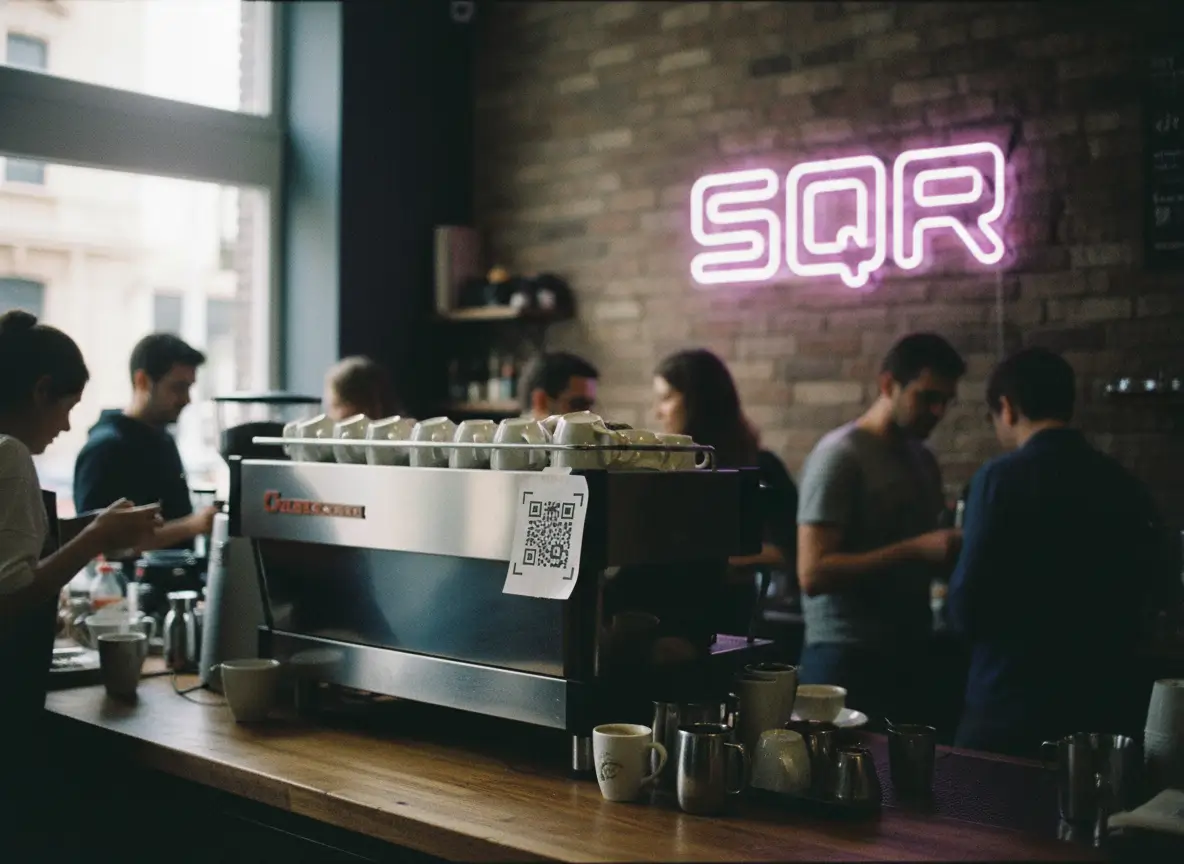
Contact QR codes work best in moments where people already want to save your details, but usually don’t. Not because they’re uninterested, but because the moment passes too quickly.
That’s the pattern to look for.
The most obvious place is the business card. Traditional cards are passive. They rely on someone taking action later. A vCard QR code turns the card into an immediate action. The exchange happens while you’re still standing there. The contact gets saved before the card ever reaches a pocket.
Email signatures work in a similar way, but for a different reason. People receive emails all day. Very few take the time to add new contacts manually. A small contact QR code at the bottom of a signature gives them an easy option. Scan once. Save. Next time your email arrives, your name already has context.
Shop counters are another strong fit. Think of cafés, salons, gyms, clinics, or small retail spaces. People are waiting anyway. Phone in hand. A simple sign with a contact QR code lets regulars save your details without asking, without staff explaining anything, and without breaking the flow.
Events might be where vCard QR codes feel the most natural. Conferences, meetups, trade shows, or pop-ups move fast. Conversations are short. Names are forgotten quickly. A QR code on a badge or small card lets people save the contact while the conversation is still fresh. No follow-up effort required.
Badges and lanyards push this even further. Instead of exchanging cards repeatedly, one visible code does the work. People who care will scan. People who don’t won’t. That’s fine. The friction is low enough that the right people act immediately.
Packaging is a quieter use case, but surprisingly effective. For personal brands, small businesses, or creators, a vCard QR code on packaging gives customers a direct way to save your details. Not a social feed. Not a website. Just you. Stored on their phone.
What all these situations have in common is timing.
The QR code works because it appears at the exact moment saving a contact makes sense. Not before. Not later. Right then.
If you place a vCard QR code where people already pause, already look, or already hold their phone, it gets used. If you place it where it asks for extra effort, it gets ignored.
That’s the difference.
Small Details That Make It Work Better
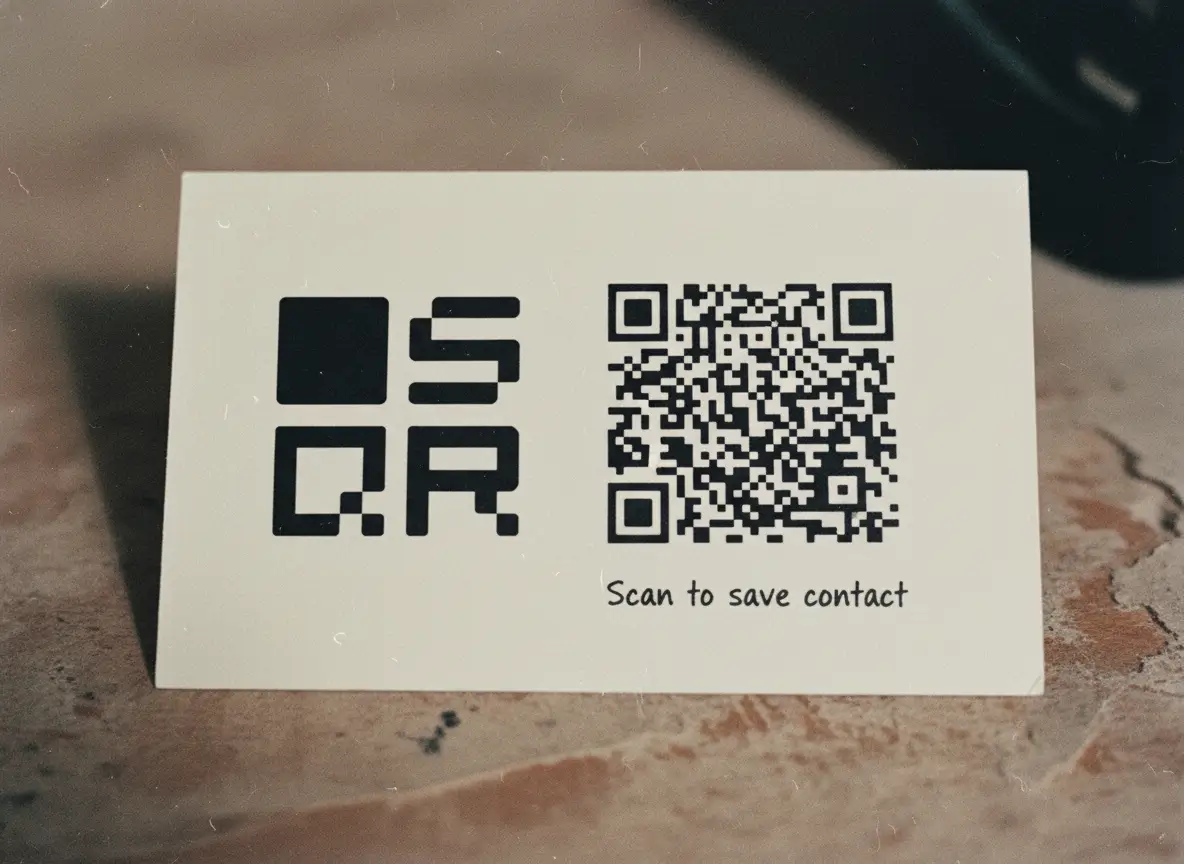
vCard QR codes are simple, but small choices make a big difference in whether they actually get used. Most problems don’t come from the technology. They come from clutter.
Start with the information itself.
Include what someone would reasonably want to save. Name, primary phone number, email, and company are usually enough. A job title helps with context. An address only makes sense if it’s relevant. If you add too much, the contact becomes noisy. People still save it, but it’s less useful later.
Skip anything that doesn’t belong in a contact list.
Internal notes, secondary emails no one uses, or outdated phone numbers do more harm than good. The goal isn’t to store everything. It’s to create a clean, recognizable contact that makes sense months later when someone scrolls through their phone.
Design matters more than decoration.
A QR code needs contrast. Black on white works because it’s boring and reliable. If you customize it, keep the pattern clear and the background quiet. Logos and styling should support the code, not fight it. If the code looks clever but scans slowly, it’s doing the wrong job.
Too small, and people have to move their phone around or step closer. Too large, and it feels intrusive. On a business card or sign, the code should be easy to spot without dominating the layout.
Placement affects behavior.
Put the QR code where people naturally pause. Near eye level. On a counter. On a card someone is already holding. If the code requires effort to reach, it won’t be scanned. If it’s visible at the right moment, people scan without thinking.
Context helps.
A short line like “Scan to save contact” removes hesitation. People don’t want to guess what will happen. Clear intent leads to action.
All of this comes back to the same idea: control through simplicity.
A good contact QR code doesn’t try to impress. It does one thing well, at the right time, in a way that feels familiar. When the details are clean and the setup respects how people actually behave, the technology disappears.
And that’s when it works.
FAQs About Contact QR Codes
Do contact QR codes work on all smartphones?
Yes. Modern iOS and Android phones can scan contact QR codes using the built-in camera. No special setup needed.
Does the scanner need an app?
No. The default camera app is enough. Some phones may also support scanning through their quick settings or assistant, but an extra QR scan app isn’t required.
What happens after the QR code is scanned?
The phone recognizes the data as a contact and shows a preview. The user is prompted to add the contact to their address book. Nothing is saved automatically.
Can I update the contact details later?
If you use a dynamic contact QR code, yes. You can change the details without reprinting the code. Static codes can’t be updated once printed.
Is a contact QR code safe to use?
Yes. The phone always asks before saving anything. Users see the contact details first and decide whether to add them.
Can I add multiple phone numbers or links?
Yes. Contact QR codes created via SQR can include multiple phone numbers, email addresses, websites, and other standard contact fields.
Where should I place a contact QR code for best results?
Place it where people naturally pause and already have their phone out. Business cards, counters, event badges, packaging, and email signatures work best. Placement is very important.