What Information Is in a QR Code?
A simple breakdown of what a QR code contains, how much data fits inside, and why some codes scan instantly while others fail.
A QR code looks simple from the outside. A square made of black and white patterns. You point your phone at it, it scans, and something opens. The whole experience feels effortless.
But inside that little square is a very structured system. A QR code decides how much data fits inside it, how quickly it scans, how well it survives damage, and whether people actually reach your destination without frustration. If you understand what’s happening under the surface, you create better codes, avoid reprints, and choose between static or dynamic codes with confidence.
This guide explains everything: what a QR code can store, how it stores it, why density matters, how error correction works, how much information is too much, and why dynamic QR codes became the modern standard for businesses.
The Structure Behind the Square
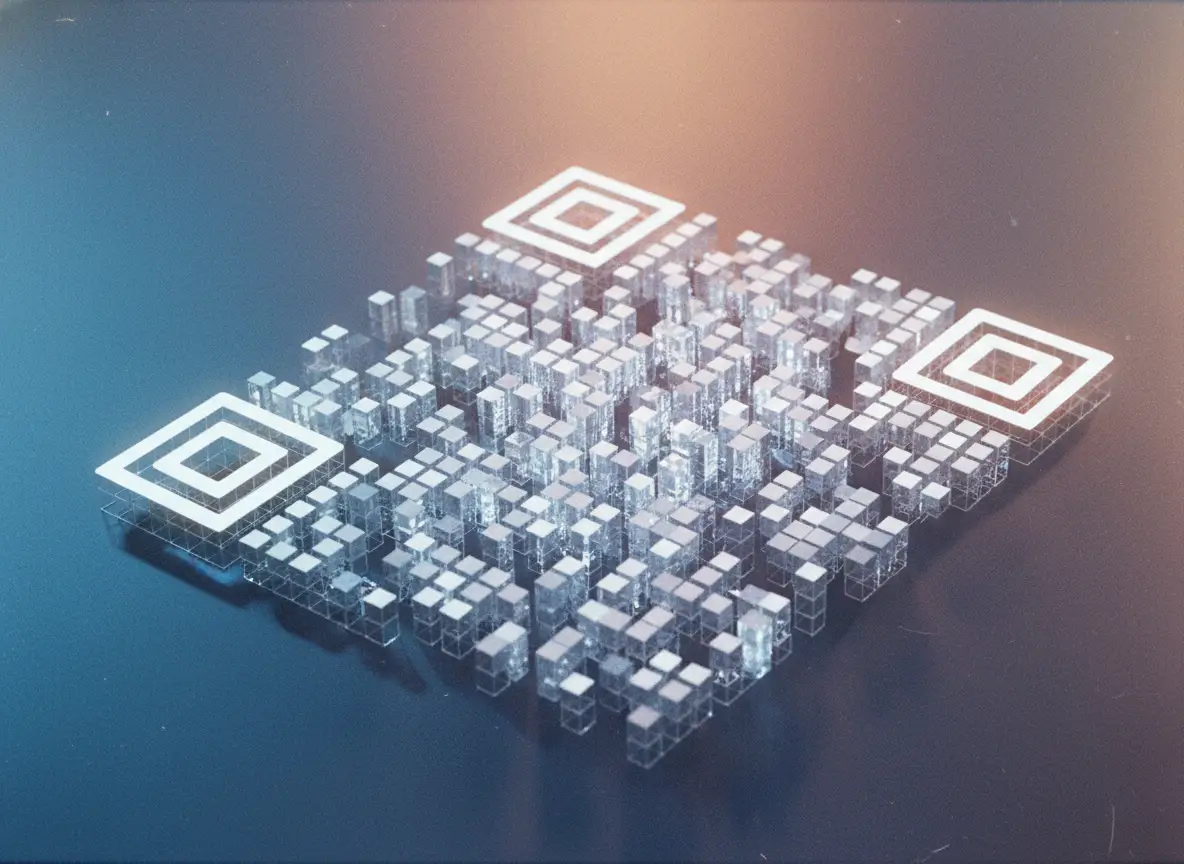
A QR code is built from modules. These are the tiny squares you see inside the pattern. The smallest possible QR code is 21×21 modules. The largest reaches 177×177. That’s 31,329 modules at maximum capacity. Every module has a purpose; none of them are random.
The size of a QR code is not about how large you print it on paper. It’s about how much data you encode. More data requires more modules. The code steps up through versions, from version 1 to version 40. Each version adds more rows and columns.
This is why two QR codes printed at the same physical size can look drastically different. A simple URL becomes a clean, open pattern. A long URL filled with extra parameters becomes a dense black maze.
Most QR codes you see in restaurants, hotels, packaging, and stores live somewhere in the middle—large enough to hold the link, small enough to scan instantly.
Capacity: How Much Information Fits Inside
QR codes can hold thousands of characters. The exact number depends on the type of encoding and the error correction level. Under the lowest correction level, a QR code can store:
• around 7,000 numeric characters
• around 3,000 alphanumeric characters
• around 2,900 bytes
• or around 1,800 kanji characters
Compared to a standard barcode, which holds maybe 20–100 characters, the difference is enormous.
This is why QR codes work for so many modern tasks:
menus
contact cards
payment instructions
Wi-Fi credentials
app downloads
login links
event tickets
authentication
tracking IDs
digital receipts
restaurant ordering systems
Anything represented as characters can be stored inside a QR code.
But this capacity comes with a consequence. More data equals more modules. More modules equals higher density. Higher density equals slower scans, especially on older phones or under low light. If you’ve ever tried scanning a cluttered QR code and felt like the phone was struggling, you were probably seeing the limits of static encoding.
Static QR Codes: When Data Lives Inside the Pattern
A static QR code stores everything internally. If you encode a long URL, all those characters sit inside the pattern. If the data changes, you must generate a new code. If you print thousands of menus and find a mistake in the URL, your only option is to reprint.
Static codes are simple, but rigid.
They’re fine for personal use: a one-time event flyer, a business card, a poster with a link that will never change. But the moment your destination changes—new menu, new landing page, new promotion—you’re stuck.
The density problem becomes obvious with static codes. A short URL results in a clean, open pattern. A long one turns chaotic. This is why people often talk about “QR codes being unreliable” when in reality, the problem is the data they put inside.
This leads directly to dynamic QR codes.
Dynamic QR Codes: The Modern Standard
A dynamic QR code stores only a short internal ID. That ID points to a server. The server decides what the final destination is. This separation gives you a huge advantage: the printed pattern never changes, but the destination can change any time you want.
A dynamic QR code stays clean and scannable because the actual encoded data is short. Whether your destination is a three-character link or a 200-character UTM-loaded tracking link makes no difference. The QR code is always simple.
For businesses, this flexibility is a game-changer. You can fix mistakes instantly, update links without reprinting, run targeted campaigns, track engagement, use branded domains, and keep your codes lightweight even when your marketing gets complex.
Dynamic codes also unlock analytics. You can see how many people scanned, when, where, and from what device. None of this lives inside the pattern—it all happens after the scan.
What’s Actually Inside the QR Code Pattern
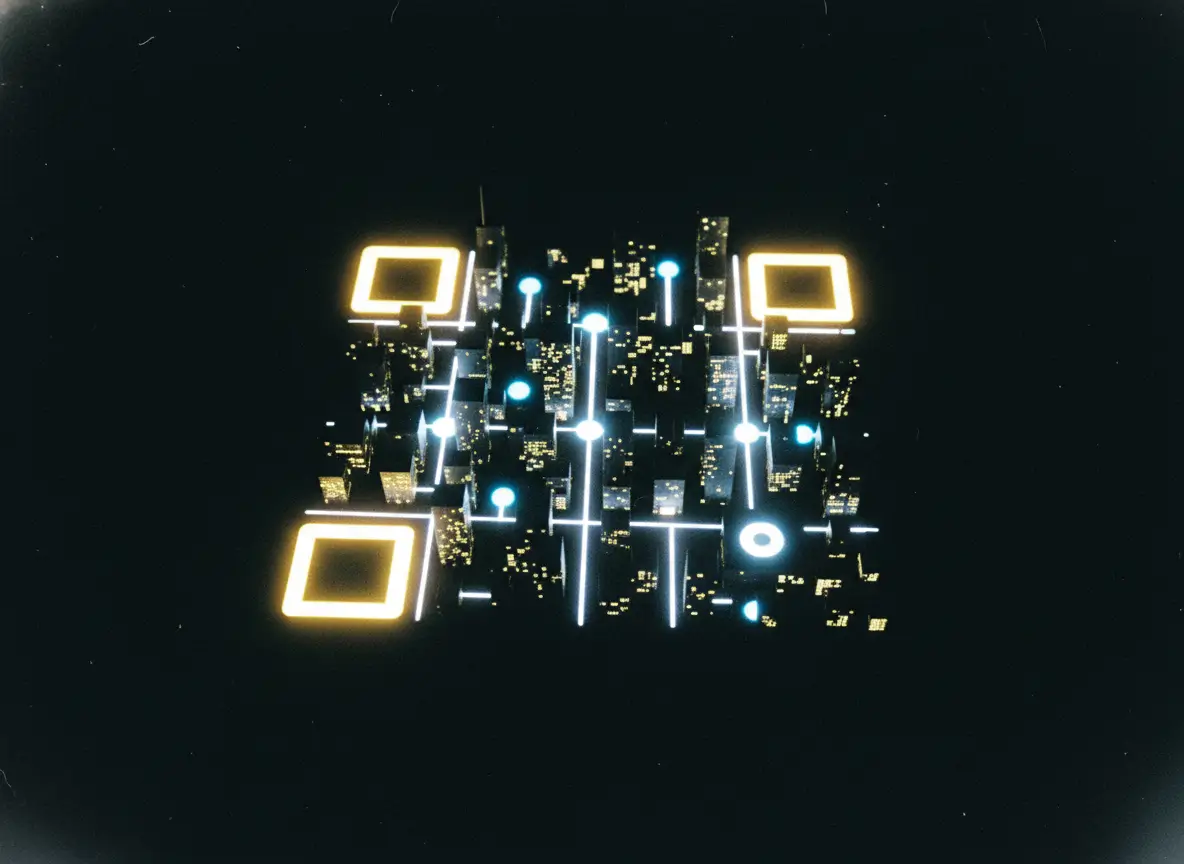
Even though QR codes look like visual noise, their internal structure is predictable and highly organised.
• The three large squares in the corners tell the scanner where the code is and how to orient it.
• Smaller alignment patterns help the phone read the code even if it’s curved or slightly damaged.
• The timing patterns help the scanner determine module spacing.
• Format information reveals the error correction level and mask used.
• Version information shows which size of QR code is in use.
• Data modules hold the encoded message itself.
• Error correction modules provide redundancy so the code can survive damage.
• The quiet zone (the empty white space around the code) is mandatory. Without it, many scanners fail.
When designers crop the quiet zone to “make it look nicer,” they’re actually crippling the code. When printers stretch or distort the code, they break the alignment patterns. Most scan failures come not from the data, but from mishandling the fundamentals.
Error Correction: The QR Code’s Built-In Backup
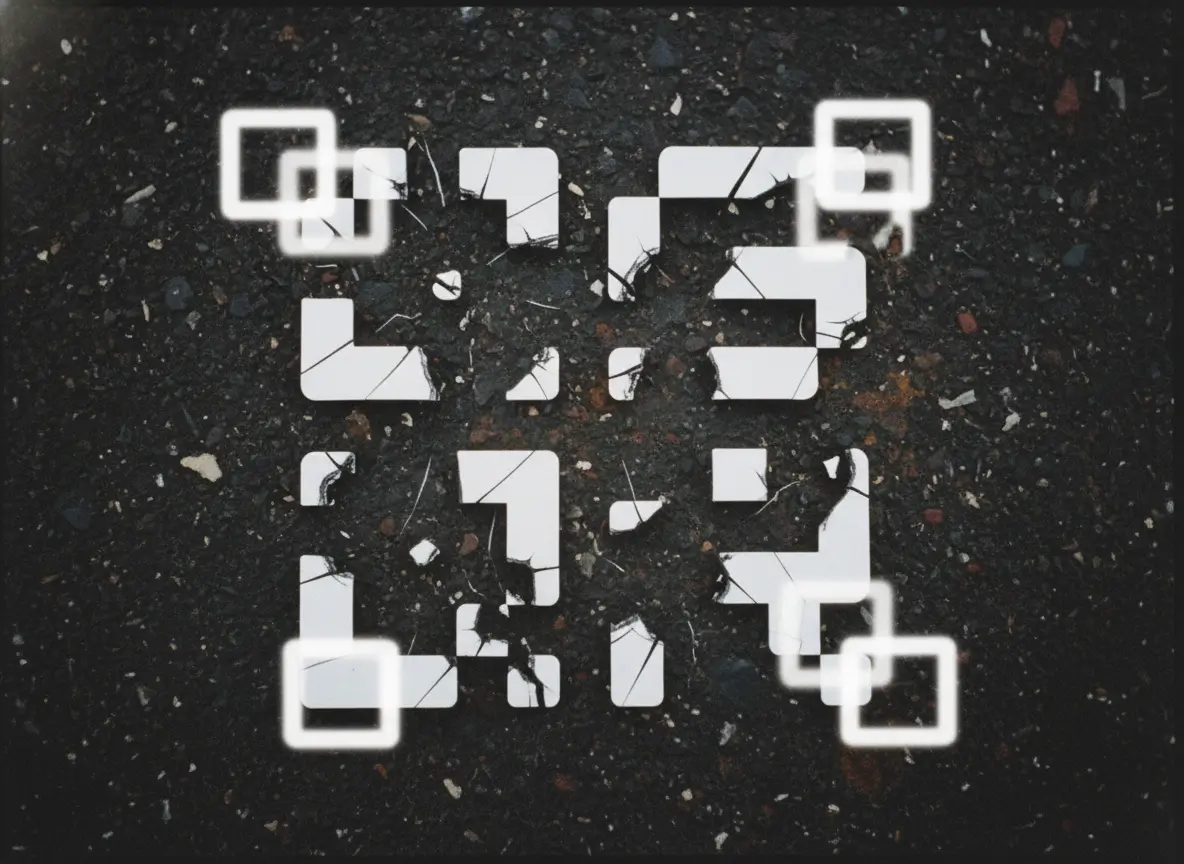
One of the smartest parts of QR design is error correction. A QR code doesn’t collapse the moment you scratch or damage it. It can reconstruct its missing pieces based on redundant information included inside the pattern.
There are four levels of error correction:
• Low: survives about 7 percent damage
• Medium: survives about 15 percent
• Quartile: around 25 percent
• High: up to around 30 percent
Higher correction means more durability, but also reduces the available space for data. It’s a balance between resilience and density.
For most business uses, medium or quartile is ideal. If you’re printing outdoors or adding a logo in the center, high correction is safer. Good platforms automatically choose the best level based on your design.
What QR Codes Do Not Contain
A lot of people misunderstand this. A QR code does not contain:
GPS location
personal identity
browsing history
analytics
tracking scripts
cookies
hidden spyware
These things happen only on the website you visit after scanning, not inside the QR code itself. The QR code is simply a container for characters. Nothing more.
It also can’t store large files, videos, images, PDFs, or full web pages. The code can only contain a reference—a pointer—to those sources.
If someone tries to cram a base64-encoded file, a huge JSON payload, or a long list of parameters inside the code, the code becomes too dense to scan reliably. This is why dynamic QR codes exist: to keep the printed symbol lightweight while handling the heavy lifting on the backend.
Why Some QR Codes Scan Easily and Others Don’t
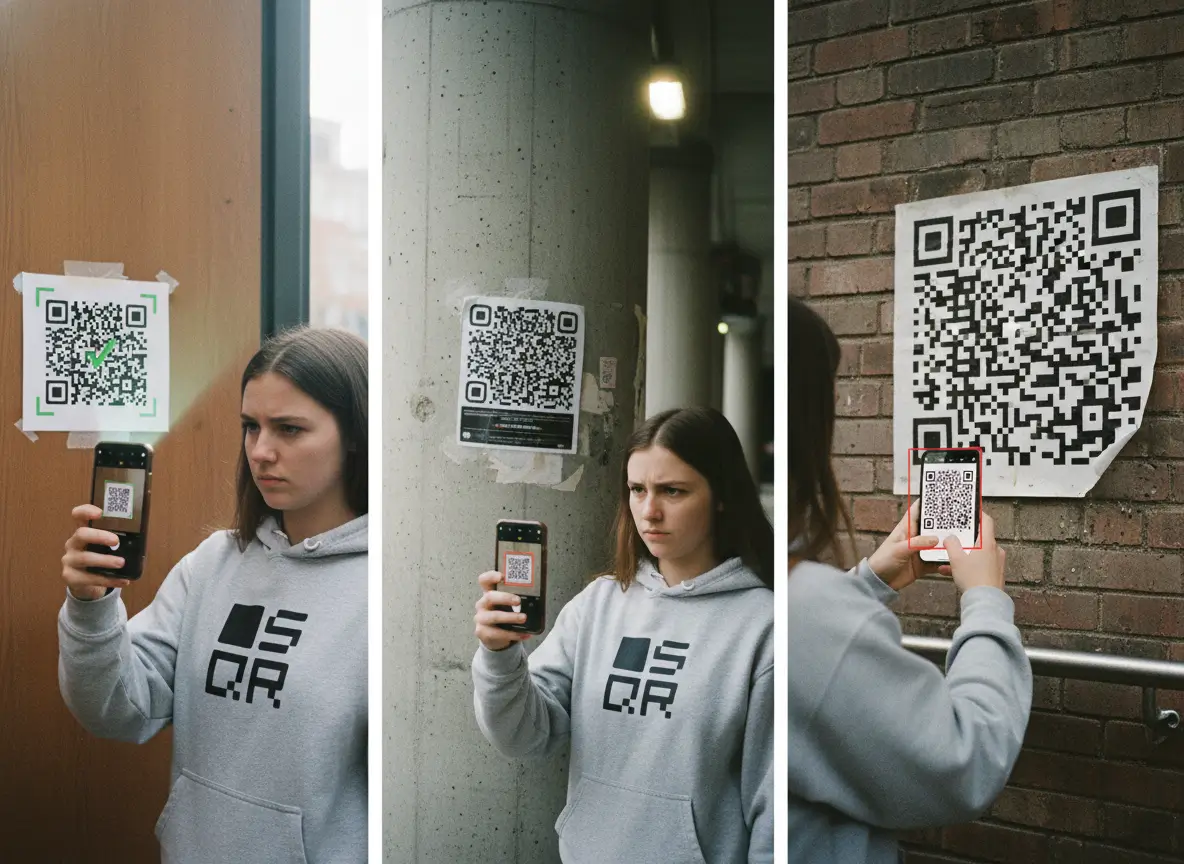
Scan performance comes down to a few predictable factors.
Density is the biggest one. A dense static code with too much data takes longer to read. A simple dynamic QR code scans instantly—even when printed small—because the pattern is minimal.
Print quality is another factor. Blurry prints, low contrast, glossy surfaces, or surfaces that bend (like plastic cups) make scanning harder.
The quiet zone matters more than people think. Without enough white space around the pattern, the scanner can’t distinguish where the code begins and ends.
The “scan distance rule” is simple: the printed QR code should be roughly one-tenth of the expected scan distance. If someone scans from one meter away, print at least ten centimeters. If they scan from arm’s length, a few centimeters is fine.
When all of this is handled correctly, a QR code should scan in less than a second.
 Frank Barker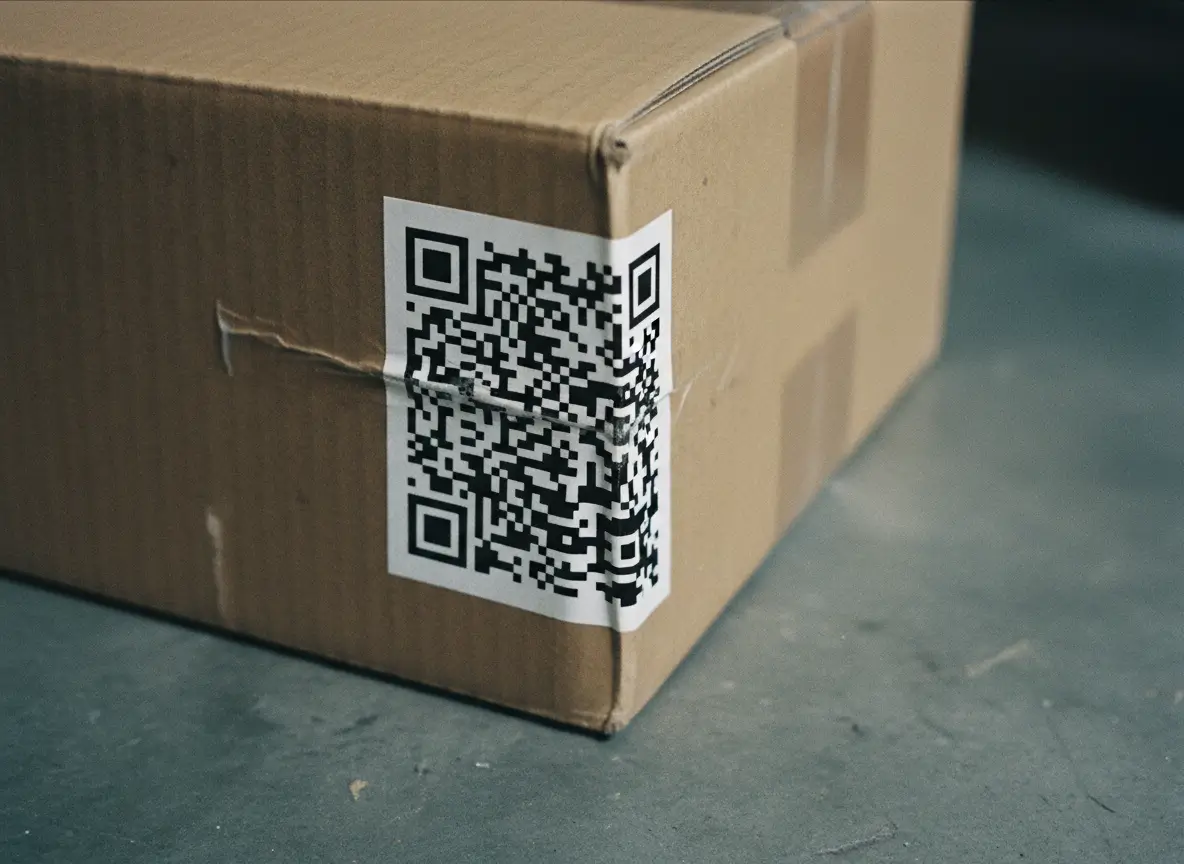
Why Dynamic Codes Unlock Another Layer of Functionality
Dynamic QR codes allow features that static codes simply cannot provide. Because the code itself only stores a short ID, everything else happens after the scan.
This means the destination can change depending on:
• device
• time of day
• location
• campaign version
• user segmentation
• A/B testing logic
You can also set expiry dates, passwords, redirects, fallback pages, or rotating links. None of this affects the printed pattern.
This is why restaurants, hotels, retail brands, packaging companies, SaaS products, and agencies rely on dynamic codes. Printing a QR code once and letting the digital rules change over time is far cheaper and safer than pushing new physical materials every time you update something.
Why QR Codes Became Part of Everyday Life
QR codes bridge the physical and digital worlds in one second. No typing. No searching. No downloading. It’s direct.
The pandemic made QR scanning second nature. Now people scan without thinking. Industries that once ignored QR codes—hospitality, healthcare, real estate, logistics, education, fitness—now use them every day.
The main reasons for the explosion:
• Every phone can scan them
• They are cheap to print
• Updating destinations is easy with dynamic codes
• They remove friction
• They support contactless experiences
• They integrate cleanly with analytics and marketing systems
A QR code is now a default interface between offline and online worlds.
The Practical Lessons for Anyone Using QR Codes
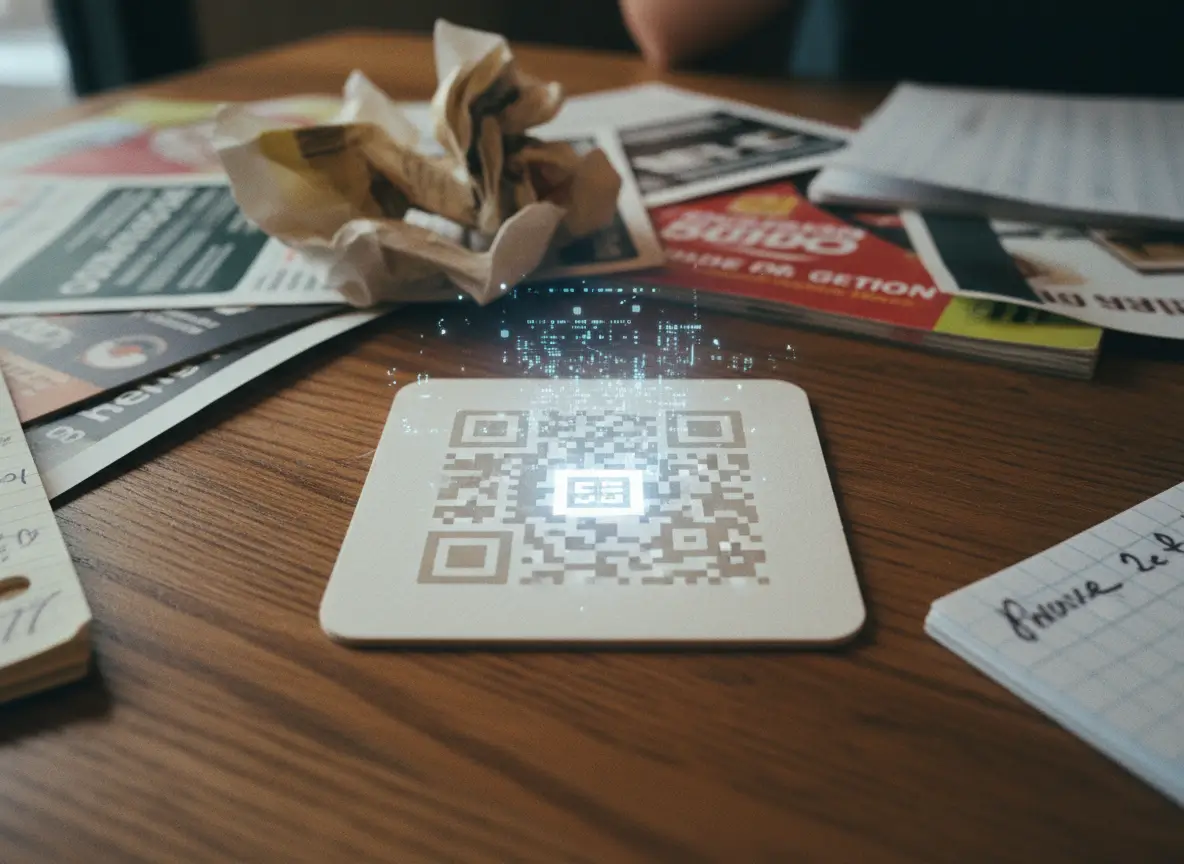
A QR code is only as good as the data you put in it. If you keep the encoded content simple, the code will always scan quickly. If you overload it, the pattern becomes a visual knot.
This is why dynamic QR codes exist: they keep the physical code small and clean while handling complexity behind the scenes.
If you run a business, the real power is in the management layer. Once the code is printed, you want full control of what happens after someone scans it. You want analytics, updates, redirects, branded domains, and a system that prevents you from ever reprinting because of a link change.
QR codes are simple on the outside but incredibly capable underneath. When you understand what lives inside the pattern—and what doesn’t—you design better experiences for your customers.
A tiny square is suddenly a flexible, dependable tool. And once you master the fundamentals, you won’t see QR codes the same way again.