Barcodes are back!
We rebuilt SQR’s barcode feature from the ground up. More reliable scans, better exports, extra barcode types, and simple customization—now available in the dashboard again.
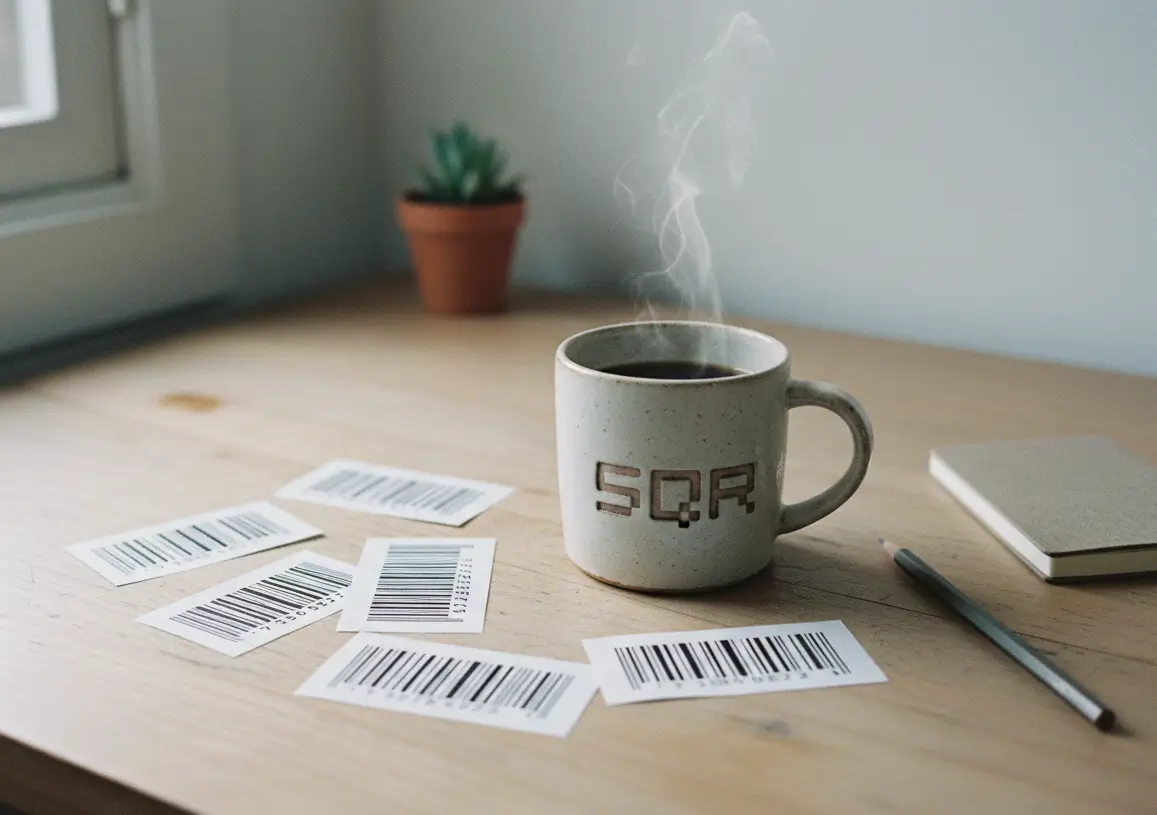
Barcodes have been part of SQR before. We turned them off for a while because the old version had limitations and a few bugs we weren’t happy with. Rather than patching it, we rebuilt the barcode feature from scratch.
The new barcode editor is faster, more stable, and works consistently across all supported barcode types. Generation is now more reliable, exports are cleaner, and the output is easier to use in real-world printing scenarios.
We also added more customization options. You can now adjust size, spacing, and visual settings depending on the barcode type, without breaking scan reliability. The goal here was not to make barcodes flashy, but to make them usable and predictable. What you generate should scan the same today, tomorrow, and after printing thousands of labels.
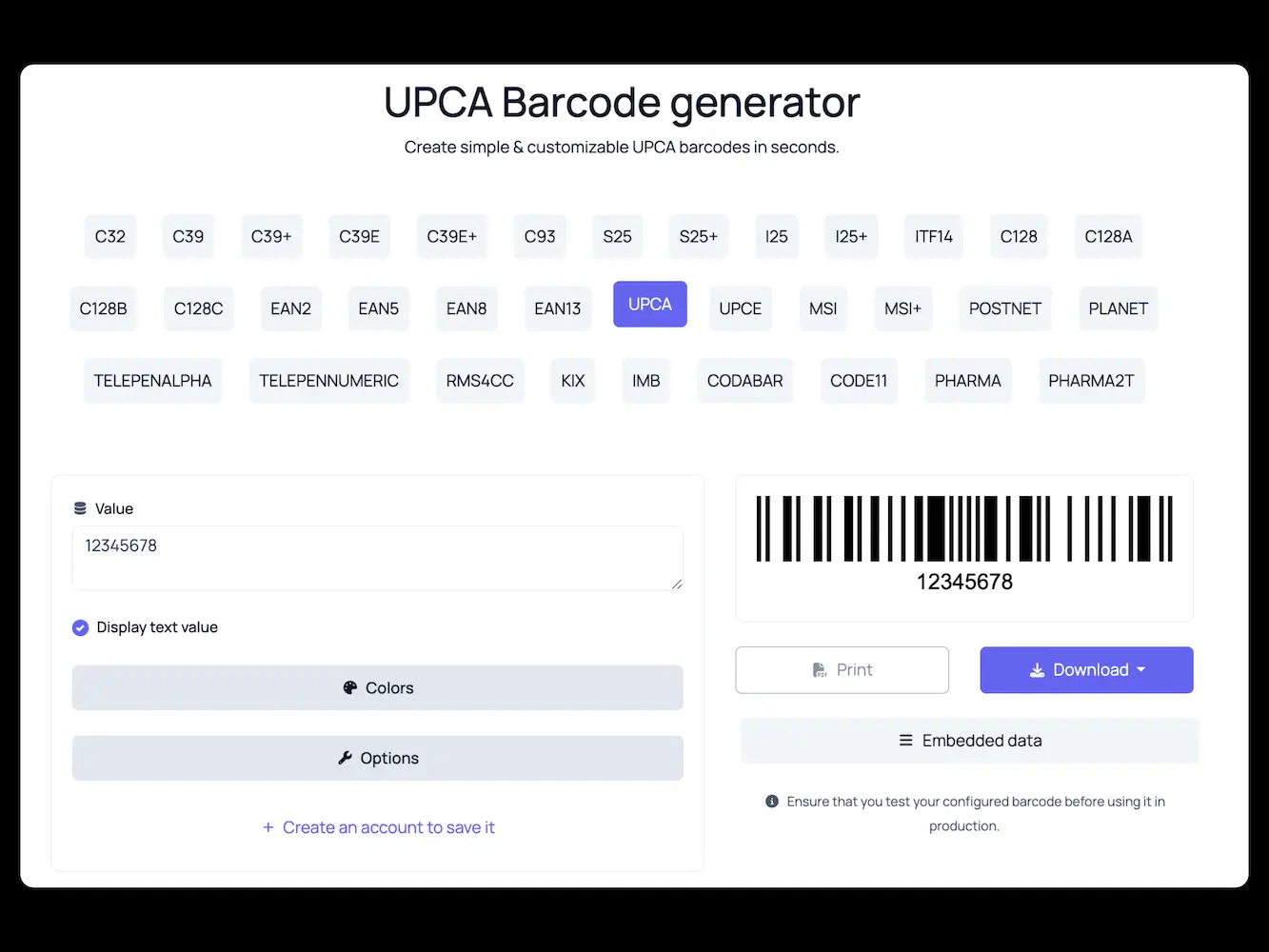
Support for additional barcode types has been expanded as well. This makes the editor useful for practical cases like product labels, inventory, packaging, and internal tracking. Nothing experimental. Just the formats people actually use.
Barcodes are available directly inside the SQR dashboard and are included in all plans. There is also a free barcode editor available if you just need to generate a code without signing up.
For developers, barcode generation is also available via the SQR API. This makes it easy to generate barcodes programmatically for apps, systems, or automated workflows. Barcode API Documentation is available here.
This update does not change SQR’s focus. QR codes and dynamic links are still at the core of the platform. Barcodes exist as a supporting feature, for situations where a traditional barcode is the better tool.
As always, we’ll keep improving this quietly in the background. If something doesn’t work the way you expect, let us know.
You can try the barcode editor here