The easiest way to open a weblink via a QR code
Opening a link should take one second. QR codes make that possible. This guide explains how weblink QR codes work, why they’re so effective, and how to use them without overthinking it.
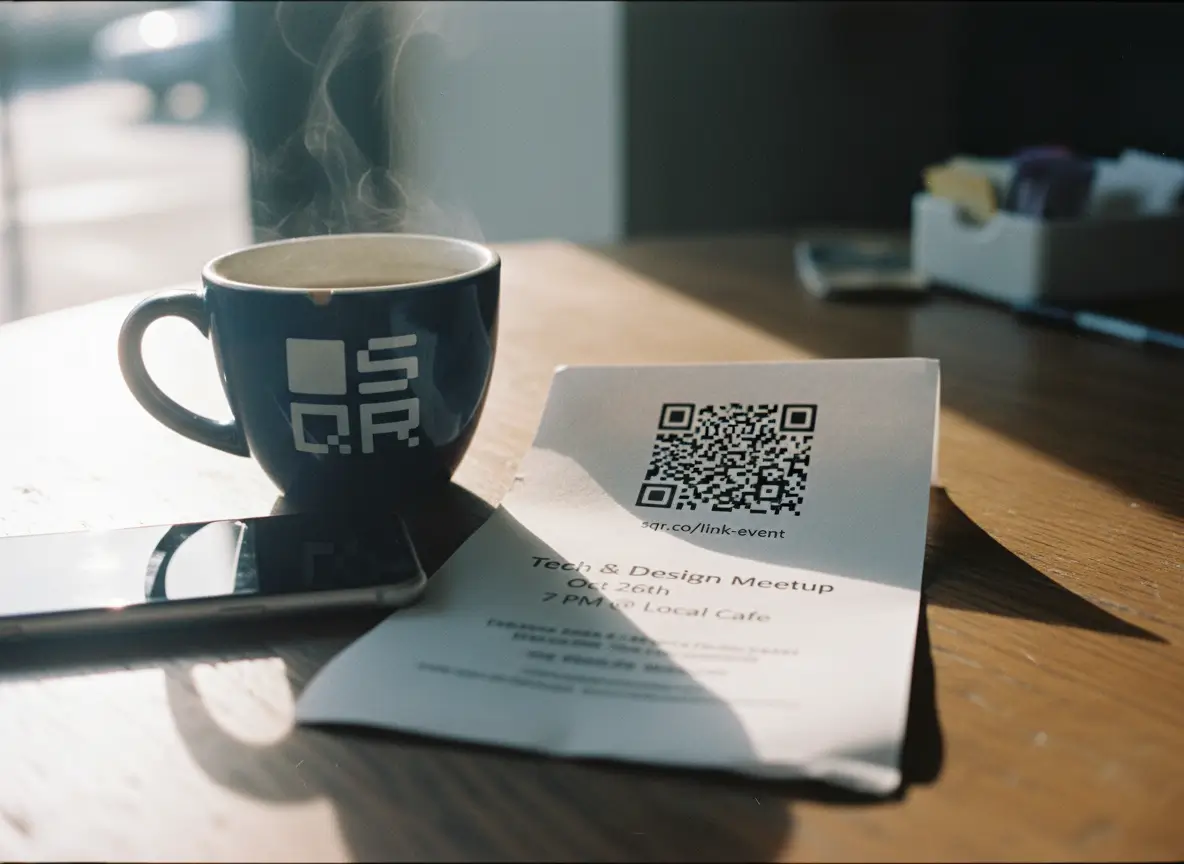
Why QR codes became the fastest way to open a link
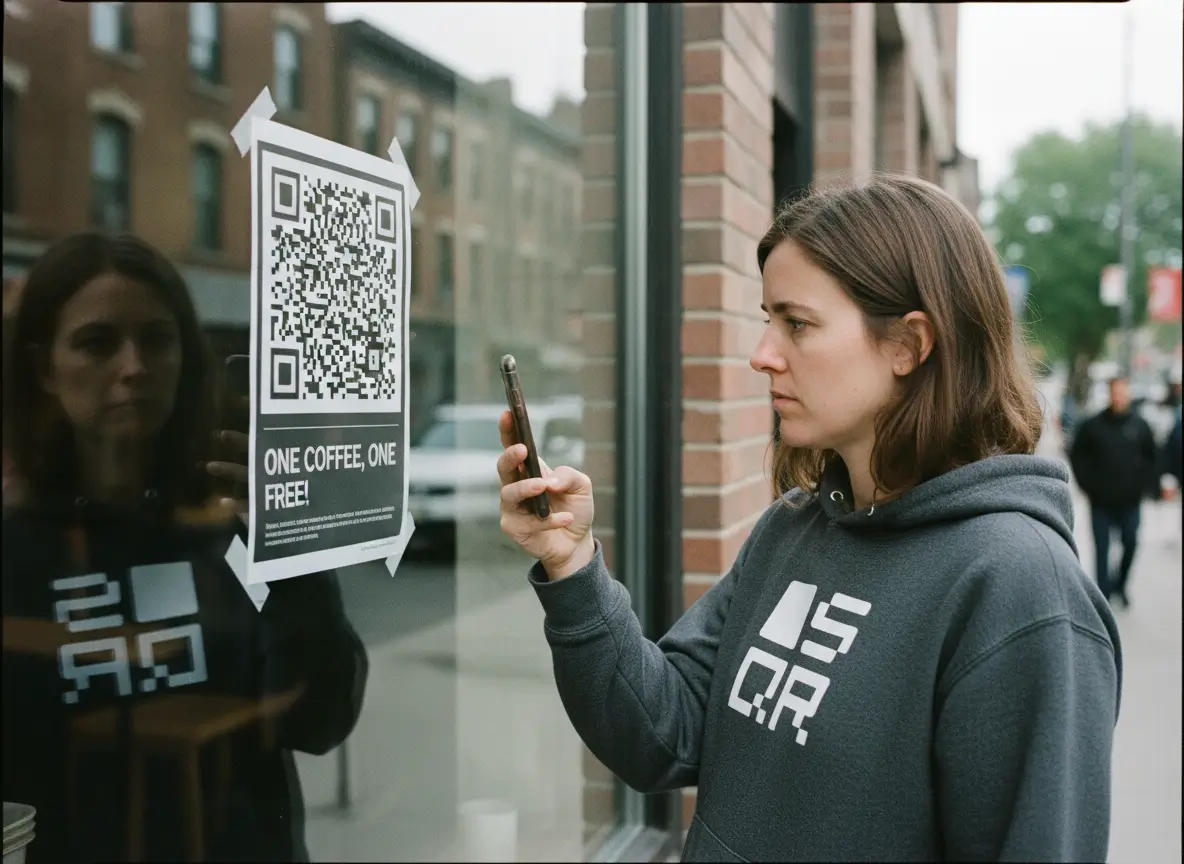
Opening a link used to be a small hassle. You saw a poster. You typed a long URL. You missed a character. You gave up. That friction was normal, so nobody questioned it.
Then QR codes quietly fixed the problem.
Today, opening a link can be instant. You point your camera. The page opens. No typing. No searching. No decisions in between. That one small change is why QR codes work so well, and why they stuck around after every trend cycle people predicted would kill them.
The real shift happened when smartphones made QR scanning native. No app. No setup. Just open the camera and scan. Suddenly, the barrier dropped to almost zero. When something takes one second instead of ten, people actually do it.
This matters because most links don’t live online. They live in the real world. On menus. On windows. On flyers. On packaging. On walls. Anywhere a screen isn’t already in front of you. A typed link doesn’t belong there. A QR code does.
QR codes also match how people behave now. Nobody wants instructions. Nobody wants steps. If something doesn’t work instantly, it feels broken. QR codes feel natural because they remove the decision-making entirely. Scan, done.
What’s interesting is that QR codes didn’t become popular because they’re flashy. They became popular because they’re boring in the best way. They solve a very specific problem and get out of the way. That’s why you see them everywhere from cafés to museums to logistics labels.
They also changed how offline and online connect. A printed object no longer has to be static. A piece of paper can open a live webpage. A sign can change where it leads without being reprinted. That flexibility is where QR codes quietly outperform almost every other link-sharing method.
Tools like SQR exist because this behavior is now normal. People expect printed things to behave like digital ones. Scan data updates. Links change. Experiences evolve. The QR code stays the same.
At a basic level, a QR code is just a shortcut. But shortcuts matter. When you remove friction, you remove excuses. That’s why QR codes became the fastest way to open a link, and why they’re not going away.
They don’t try to impress you. They just work.
What actually happens when you scan a QR code
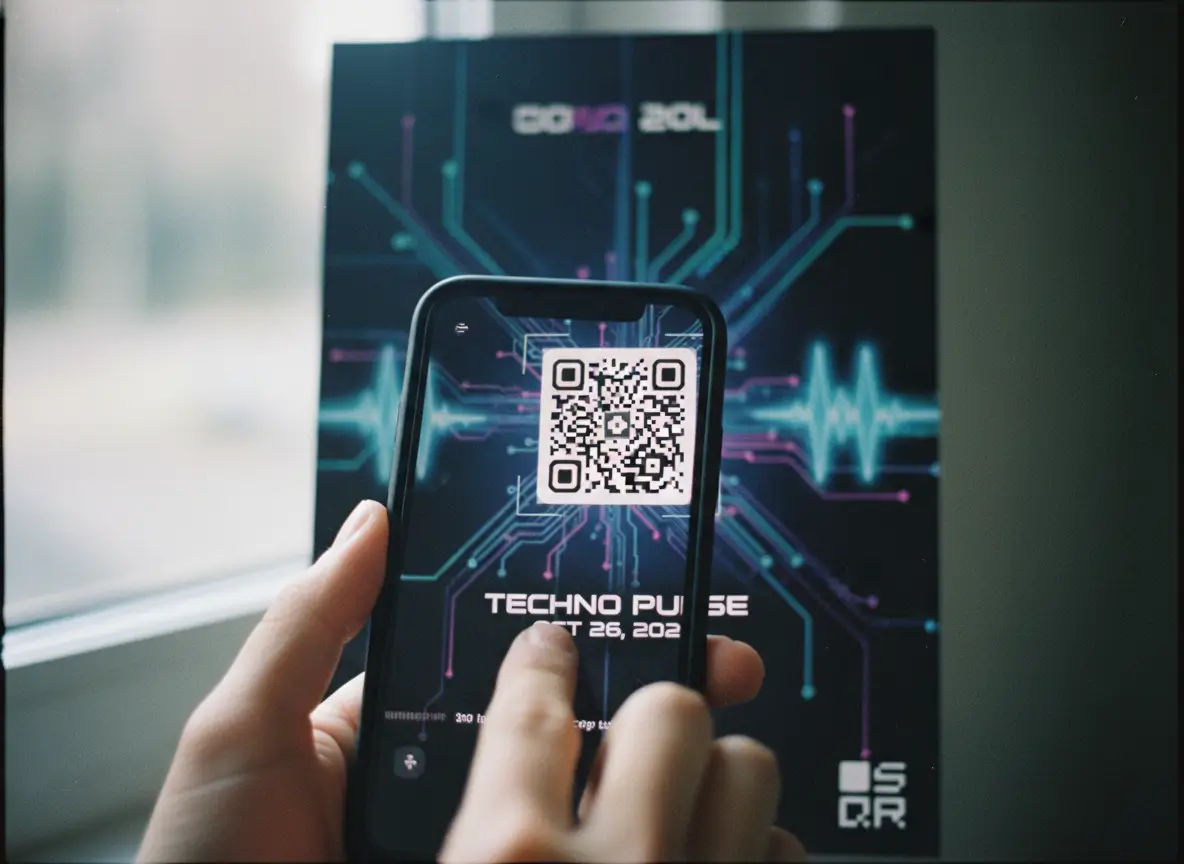
Scanning a QR code feels almost too easy, which is why people sometimes assume there’s more going on than there really is. There isn’t.
You point your phone at the code. The camera recognizes the pattern. A link opens. That’s it.
Modern smartphones are built to do this by default. You don’t need a special app. You don’t need settings. The camera sees the square pattern, understands it’s a QR code, and reads the information inside. In most cases, that information is just a web address.
Once the phone reads that address, it does the same thing it would do if you tapped a link in a browser. It opens the page. No tricks. No background process. No hidden step.
This simplicity is the whole point.
A QR code is not a website. It doesn’t contain a page, images, or content. It only contains instructions. Most of the time, that instruction is “open this link.” The code itself is just a visual shortcut for that instruction.
Think of it like a printed bookmark. The bookmark isn’t the book. It just takes you to the right page instantly.
When people worry about QR codes being complicated or unsafe, that usually comes from not knowing what’s inside them. In reality, a QR code can only do what your phone allows it to do. If it contains a link, your phone shows you the link before opening it. You’re always in control.
This is also why QR codes work so reliably in everyday situations. There’s no learning curve. If you know how to use your camera, you already know how to scan a QR code. That familiarity builds trust, even if people don’t consciously think about it.
Behind the scenes, tools like SQR simply make it easier to generate and manage those links. But for the person scanning, none of that matters. Their experience stays the same: scan, tap, done.
The important thing to remember is that nothing “special” happens when you scan a QR code. And that’s exactly why they’re so effective.
They don’t ask people to learn something new. They just remove a step that shouldn’t have been there in the first place.
Why QR beats typing links (especially in the real world)

Typing a link only works when you’re already online, seated, and paying attention. The moment you step into the real world, it falls apart.
Think about where links actually show up. On a café menu. On a shop window. On a poster at a bus stop. On product packaging. None of those are places where someone wants to type a long URL into their phone. Even a short one feels like work.
QR codes remove that friction completely.
Instead of asking someone to remember a link, type it correctly, and hope it loads, a QR code asks for one action. Point your camera. That’s it. The difference seems small, but behavior changes fast when effort drops to almost zero.
Menus are a good example. When QR codes replaced printed menus, it wasn’t because they were trendy. It was because they were faster. Scan, menu opens, decision made. No waiting. No handling paper. No awkward “where’s the menu?” moment.
Posters work the same way. A poster with a URL asks for commitment. A QR code asks for curiosity. One of those gets used more often. Especially when someone is walking, waiting, or half distracted.
Packaging is another place where typed links fail. If someone already has a product in their hand, they’re interested. But interest is fragile. A QR code lets them act on it immediately. A printed URL asks them to do it later. Later usually means never.
Signs benefit too. A sign can only say so much. A QR code turns a static message into something expandable. More details. Directions. A booking page. All without crowding the sign itself.
What makes QR codes work here is not technology. It’s timing. They meet people exactly where they are, in the moment they notice something. No delay. No memory test.
This is also why QR codes feel natural instead of intrusive. They don’t interrupt. They wait. If someone wants more, they scan. If not, nothing happens.
In the real world, attention is short and hands are busy. Anything that adds steps gets ignored. QR codes win because they remove steps entirely.
They don’t ask people to work for the link. They bring the link to them.
Static vs dynamic links: the part most people miss

Most people think all QR codes work the same way. They don’t.
The difference between a static and a dynamic QR code is simple, but it changes how useful that code is over time.
A static QR code is fixed. The link is baked into the code itself. Once it’s printed, that’s it. If the link changes, the QR code is wrong. There’s no update. No fix. The only solution is to reprint everything.
This works fine for things that never change. A personal website. A permanent info page. Anything you’re confident will stay exactly the same.
But most real-world links don’t behave like that.
Menus change. Campaigns end. Events move. Pages get updated. Businesses grow. A static QR code doesn’t adapt to any of that. It freezes a moment in time and locks you into it.
Dynamic QR codes solve this by separating the code from the destination.
Instead of pointing directly to the final link, the QR code points to a short redirect. When someone scans it, that redirect sends them to the current destination. And that destination can be changed at any time.
The QR code stays the same. The link behind it doesn’t have to.
This is where control comes in. With a dynamic QR code, you can update where people land without touching the printed material. No reprints. No stickers over old codes. No “sorry, wrong link” moments.
Flexibility follows naturally. A flyer can first link to an event page, then later to a recap, then later to a mailing list. One QR code. Three different outcomes over time.
This is also why dynamic QR codes are more forgiving. If you make a mistake, you fix it. If plans change, you adapt. The QR code doesn’t punish you for being human.
Tools like SQR exist specifically to manage this layer. But the important part isn’t the tool. It’s the mindset shift. You stop treating printed things as final. They become flexible entry points.
Once you understand this difference, static QR codes feel fragile. Dynamic ones feel practical.
Most people miss this because the QR code itself looks identical. Same square. Same pattern. Very different behavior underneath.
And in the real world, the ability to change your mind without reprinting everything matters more than you think.
Making a QR code people actually want to scan
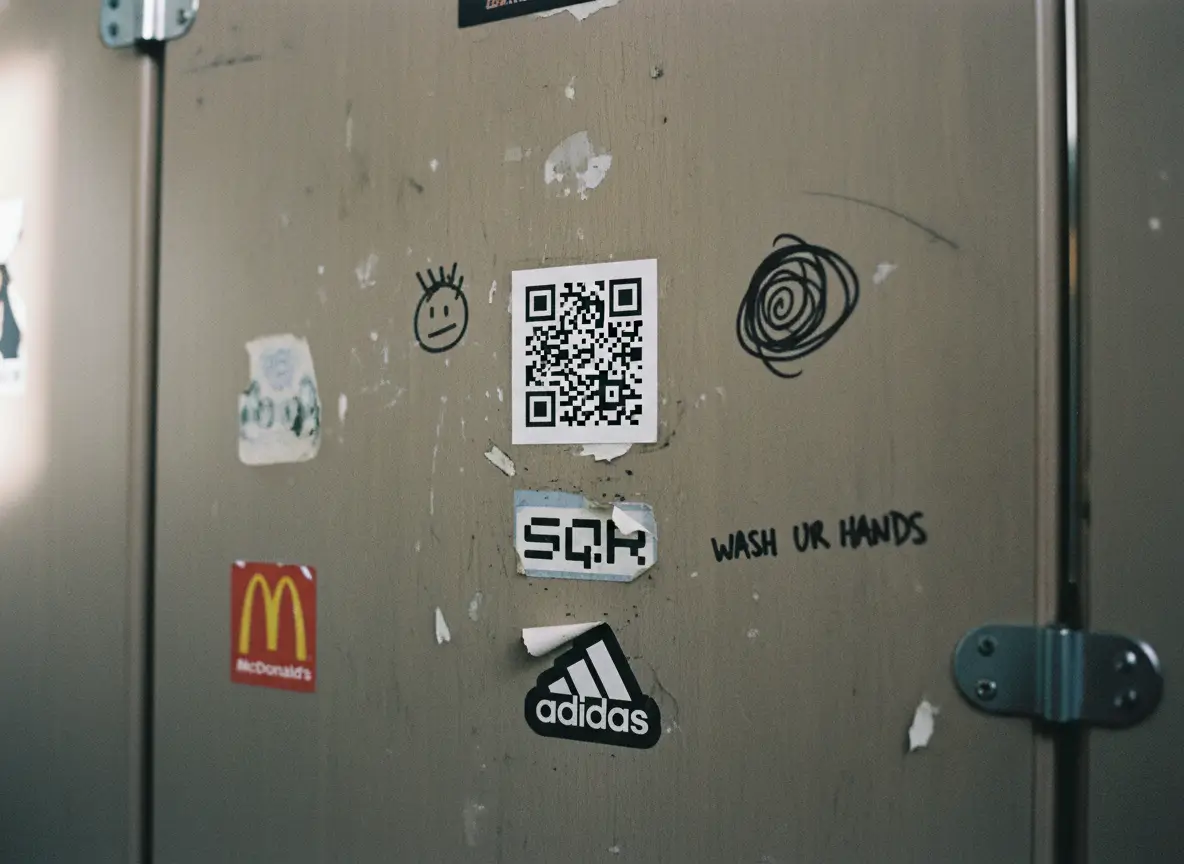
Most QR codes fail for boring reasons. Not because people hate them, but because they’re hard to notice, hard to scan, or placed where nobody cares.
The first rule is size. If someone has to step closer or squint, you’ve already lost. A QR code should be comfortably scannable from the distance where people naturally stand. On a table, that’s arm’s length. On a poster, it’s a few steps back. Bigger almost always works better than smaller.
Contrast comes next. QR codes need clear separation between dark and light. Subtle colors, low contrast, or busy backgrounds make scanning slower and less reliable. If the camera struggles, people don’t wait. Black on white still works because it’s obvious, not because it’s boring.
Placement matters more than decoration. A QR code should live where the action is. On a menu where people are deciding. Near a product where curiosity is highest. At eye level on a window, not down by someone’s knees. If the moment feels right, scanning feels natural.
Context is what turns a QR code from noise into an invitation. A random square does nothing. A simple line of text explaining what happens after the scan changes everything. “View the menu.” “Get the details.” “See today’s offer.” Clear beats clever every time.
This is also where restraint helps. You don’t need arrows, flashing frames, or gimmicks. Those often make things worse. If someone understands why they should scan, they will.
Branding can help, but only if it doesn’t interfere. A subtle logo inside the code can build trust. Overdesigning it can break scanning. Function always comes first.
Tools like SQR make it easy to test and adjust these details, but the real test happens in the wild. Does it scan quickly? Does it make sense where it’s placed? Does it respect the moment someone is in?
When QR codes fail, it’s usually not a technology problem. It’s a human one.
Make it visible. Make it scannable. Make it obvious why it’s there.
If you do those three things, people won’t hesitate. They’ll just scan.
Creating a weblink QR code that stays flexible over time
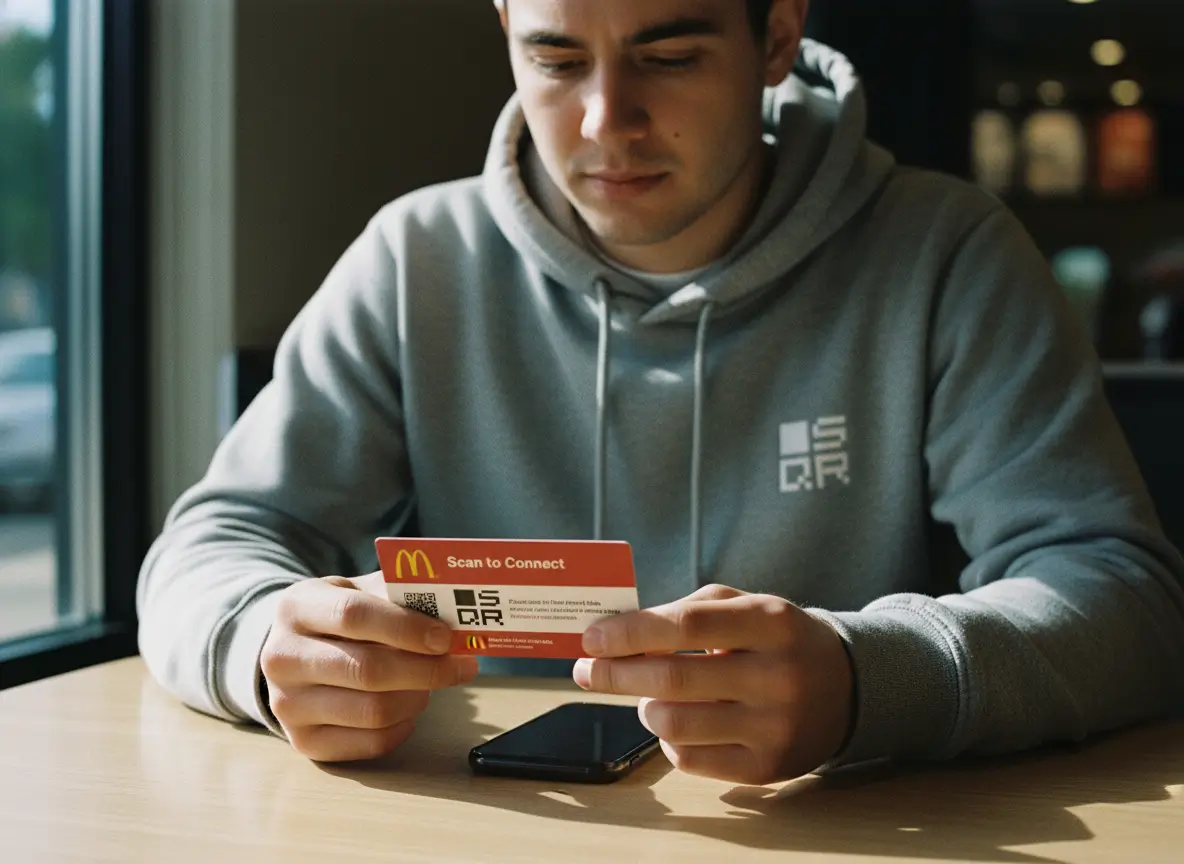
The real value of a QR code shows up after it’s printed.
Anyone can generate a QR code that opens a link. The question is what happens when that link changes. Because sooner or later, it will.
This is where flexible weblink QR codes come in.
The basic idea is simple. Instead of locking a QR code to one final URL, you create a QR code that points to a managed link. When someone scans it, they’re sent to whatever destination you’ve set at that moment. If that destination changes, you update it. The QR code stays exactly the same.
From the outside, nothing looks different. From the inside, everything becomes easier.
Businesses use this for very practical reasons. A flyer goes out with a QR code to a landing page. A week later, the campaign ends. Instead of reprinting, the QR code is updated to point to a follow-up page. Same code. New outcome.
Restaurants do this with menus. Events do it with schedules. Shops do it with product pages. The printed material lives longer because it isn’t tied to one fragile link.
Using a tool like SQR, the workflow stays straightforward. You create a weblink QR code once. You print it. From then on, you manage where it leads through a dashboard. No design changes. No new files. No reprints.
This also gives you room to experiment. You can change destinations based on time, context, or need. Before an event, the QR code links to registration. During the event, it links to the schedule. Afterward, it links to photos or a mailing list. One printed code covers the entire lifecycle.
Mistakes become less expensive too. If you spot a typo in a URL or realize you sent people to the wrong page, you fix it in seconds. Nobody scanning the code ever knows there was an issue.
That’s the quiet advantage of flexible QR codes. They don’t lock you into decisions made weeks or months earlier.
Printed materials stop being final. They become entry points.
When you design QR codes this way, you’re not just sharing a link. You’re keeping control over where that link goes, long after the ink dries.
FAQs about QR code weblinks
Do QR codes work on all smartphones?
Yes. Modern iOS and Android phones can scan QR codes using the built-in camera.
Do people need an app to scan a QR code?
No. The default camera app is enough in almost all cases.
Can a QR code open any type of link?
Yes. QR codes can open websites, landing pages, PDFs, videos, menus, and more.
What happens if the link changes later?
With a dynamic QR code, you update the destination without changing or reprinting the code.
How big should a QR code be for reliable scanning?
Big enough to scan comfortably from where people stand. When in doubt, make it larger. Read more here.
Are QR codes safe to use?
They are as safe as the link they open. Phones show the URL before loading it, so users stay in control.
Can I track how often a QR code is scanned?
Yes. Dynamic QR codes can show scan counts, time, and basic location data.