Minimum size QR code
What is the smallest QR code that still scans? This guide explains the true minimum size, how distance changes everything, and why most QR codes fail in real life.
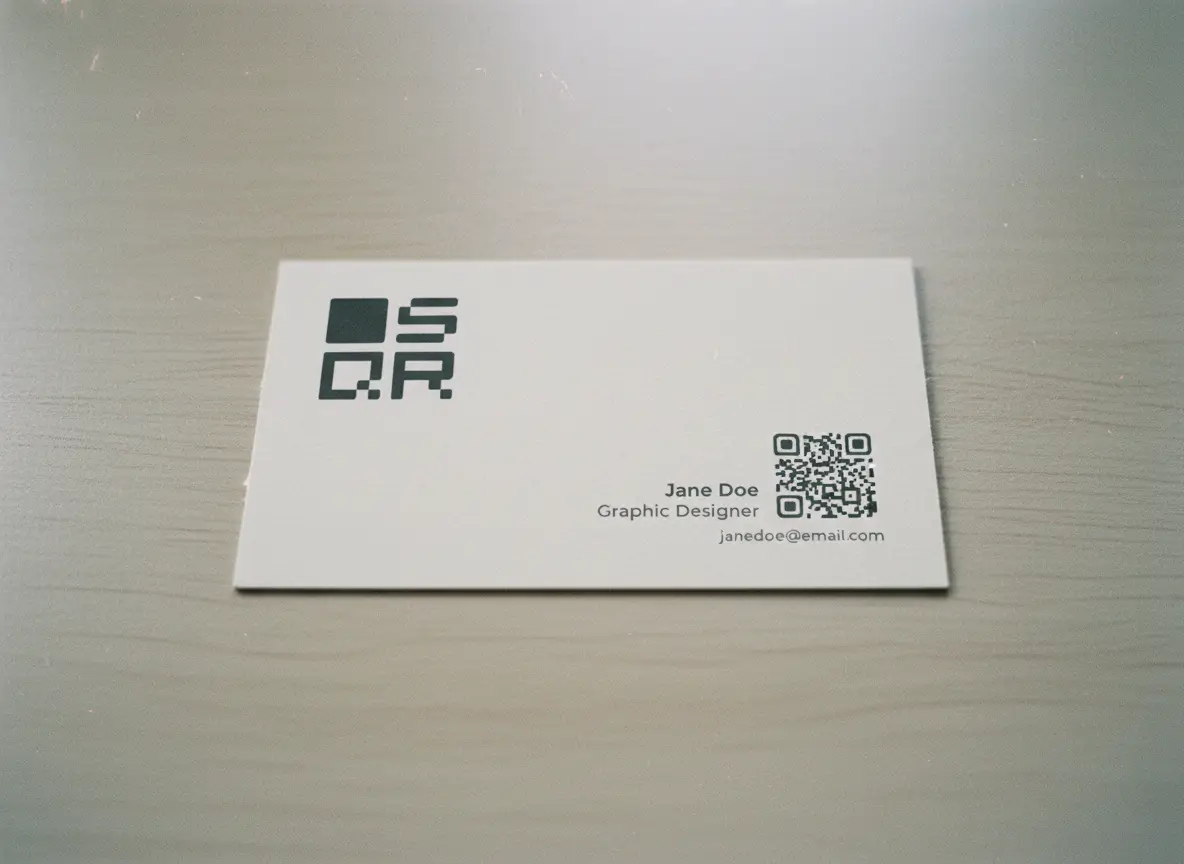
The Absolute Minimum QR Code Size
Let’s start with the baseline.
Minimum printable QR code size:
2 × 2 cm (0.8 × 0.8 inches)
That’s the smallest size that works reliably for:
- Short URLs
- Low data QR codes
- Close-range scanning
Anything smaller becomes fragile.
Yes, some phones can scan smaller codes.
No, you should not rely on that.
When 2 × 2 cm is acceptable
Use this size only if:
- The QR code is scanned from arm’s length
- It contains minimal data
- It’s printed clearly at high quality
- It’s not mission-critical
Good examples:
- Business cards
- Product labels
- Small packaging
- Flyers handed directly to someone
Bad examples:
- Posters
- Windows
- Menus
- Signs
- Anything public
This is the floor, not the goal.
The Most Important Rule: Distance × Size
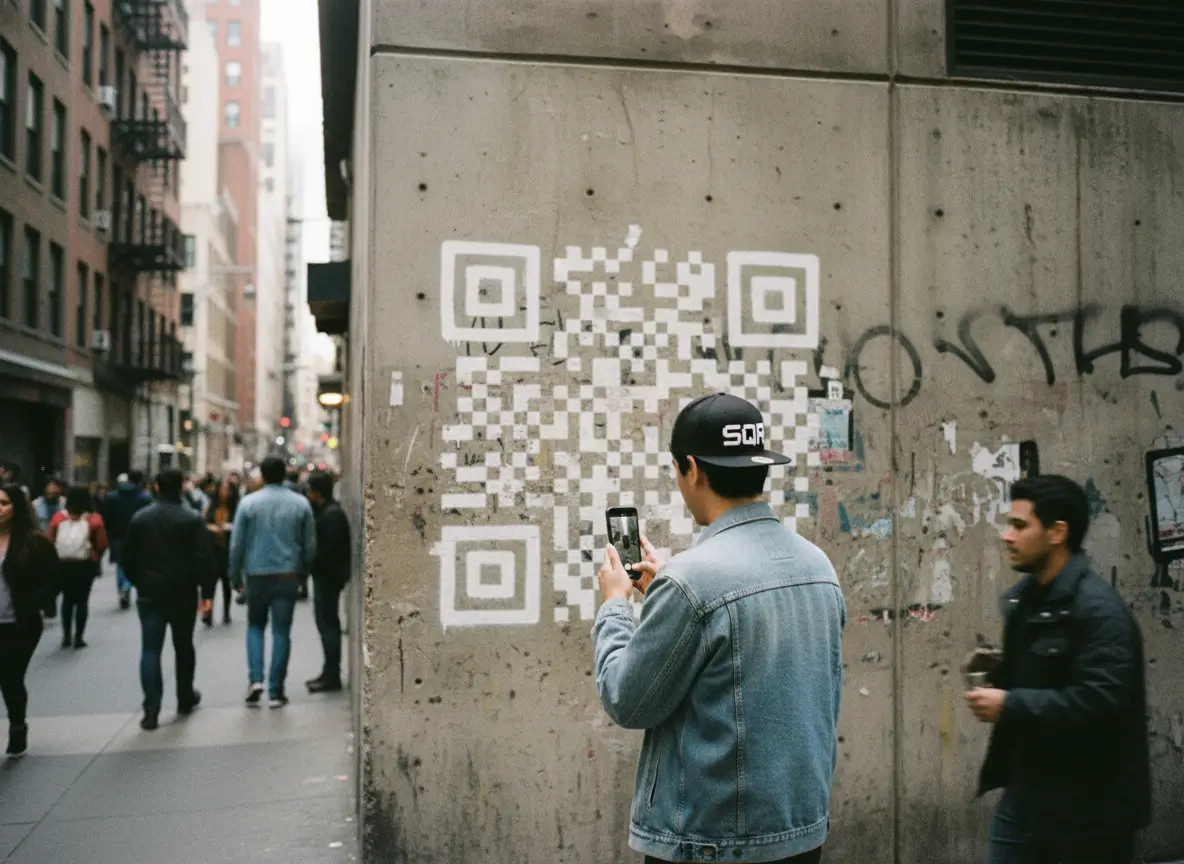
Here’s the rule most people don’t know.
QR code size should scale with scanning distance.
A simple guideline that works in real life:
For every 1 meter of scanning distance, add 10 cm to the QR code size
Examples
- Scanned from 0.5 m → ~5 cm QR code
- Scanned from 1 m → ~10 cm QR code
- Scanned from 2 m → ~20 cm QR code
- Scanned from 5 m → ~50 cm QR code
This isn’t theory. It’s what works.
People underestimate distance all the time. If someone can scan it while standing back casually, you sized it right.
If they need to step closer, lean in, or retry, it’s too small.
How small can a QR code be?
How big does a QR code on a menu?
How big QR code for ...
QR Code Size by Use Case (Practical Table in Words)
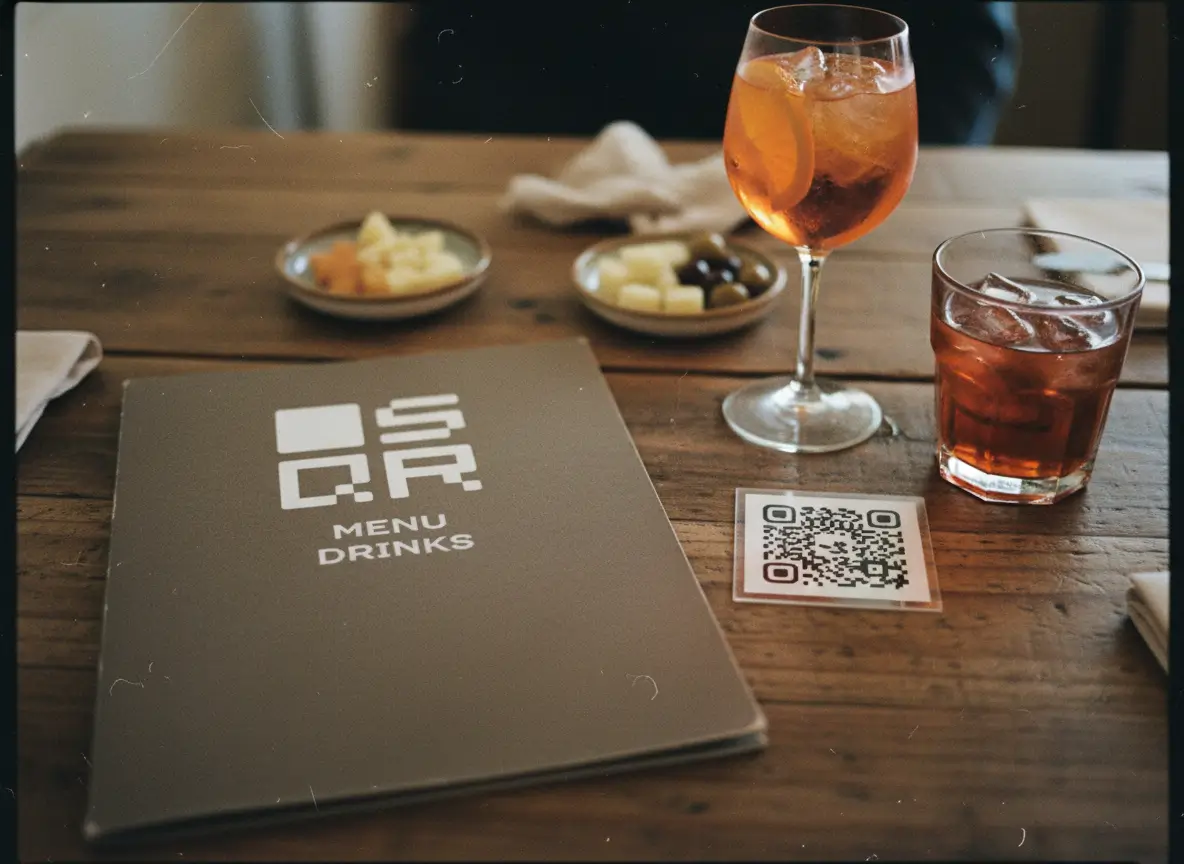
Let’s make this concrete.
Business cards
- Size: 2–3 cm
- Distance: Handheld
- Tip: Keep data minimal
Menus (tabletop)
- Size: 3–5 cm
- Distance: Sitting distance
- Tip: Avoid dense designs
Posters
- Size: 8–15 cm
- Distance: Standing
- Tip: Bigger than you think
Shop windows
- Size: 10–20 cm
- Distance: Sidewalk
- Tip: Test from outside
Event signage
- Size: 20–50 cm
- Distance: Crowd scanning
- Tip: One QR per surface
Packaging
- Size: 2–4 cm
- Distance: Handheld
- Tip: High contrast matters
If you’re unsure, go bigger. Oversized QR codes still scan. Undersized ones don’t.
Always Test in Real Conditions
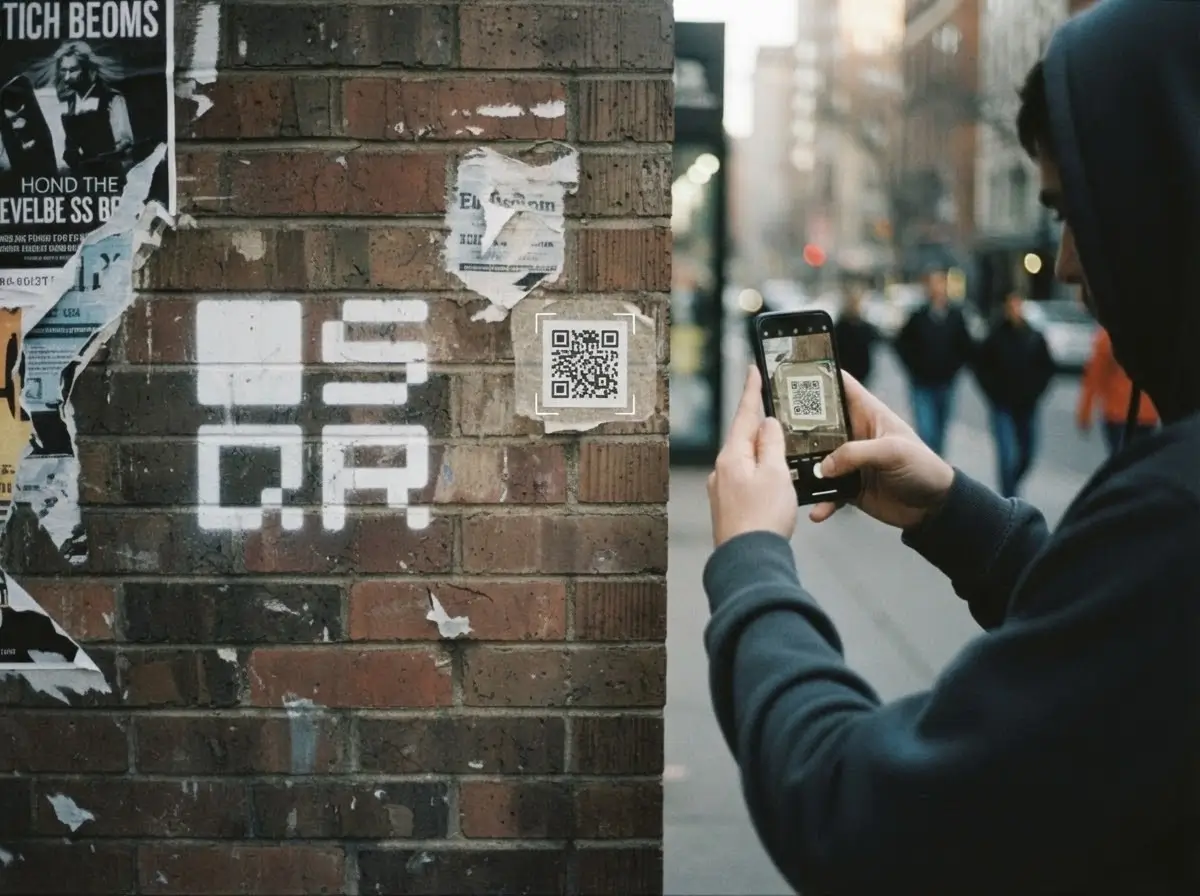
This is non-negotiable.
Before printing in bulk:
- Print one
- Tape it where it will live
- Scan it from real distance
- Try bad light
- Try older phones
If it scans instantly, you’re done.
If it hesitates, fix it now. Not later.
Common QR Code Size Mistakes
These show up everywhere:
- Making the QR code tiny to “look clean”
- Packing too much data inside
- Ignoring scan distance
- Forgetting the quiet zone
- Designing for aesthetics, not physics
QR codes are tools. Not decoration.
When in doubt, prioritize function. Always.
Final Rule of Thumb
If you remember nothing else, remember this:
- 2 × 2 cm is the minimum, not the target
- Distance dictates size
- Less data scans better
- Test before printing
A QR code that scans instantly feels magical.
One that doesn’t feels broken.
The difference is almost always size.
That’s it.